What charge/discharge limits can I set? With a home battery or similar storage system, there are usually limits on how far the battery can charge and discharge. With these settings you determine how much capacity you use daily, how much reserve remains available and how the system handles backup, comfort and wear. Anyone who wants to better understand how a home battery works will soon notice that this is one of the most important settings.

In practice you can often set a minimum battery percentage, choose a maximum charging limit and sometimes also rules for when charging or discharging is allowed. De precieze opties verschillen per batterijtype, fabrikant, softwareversie en installateursinstelling. Therefore, it is wise to always check the product specifications, app settings and installation documentation of your system before adjusting values.
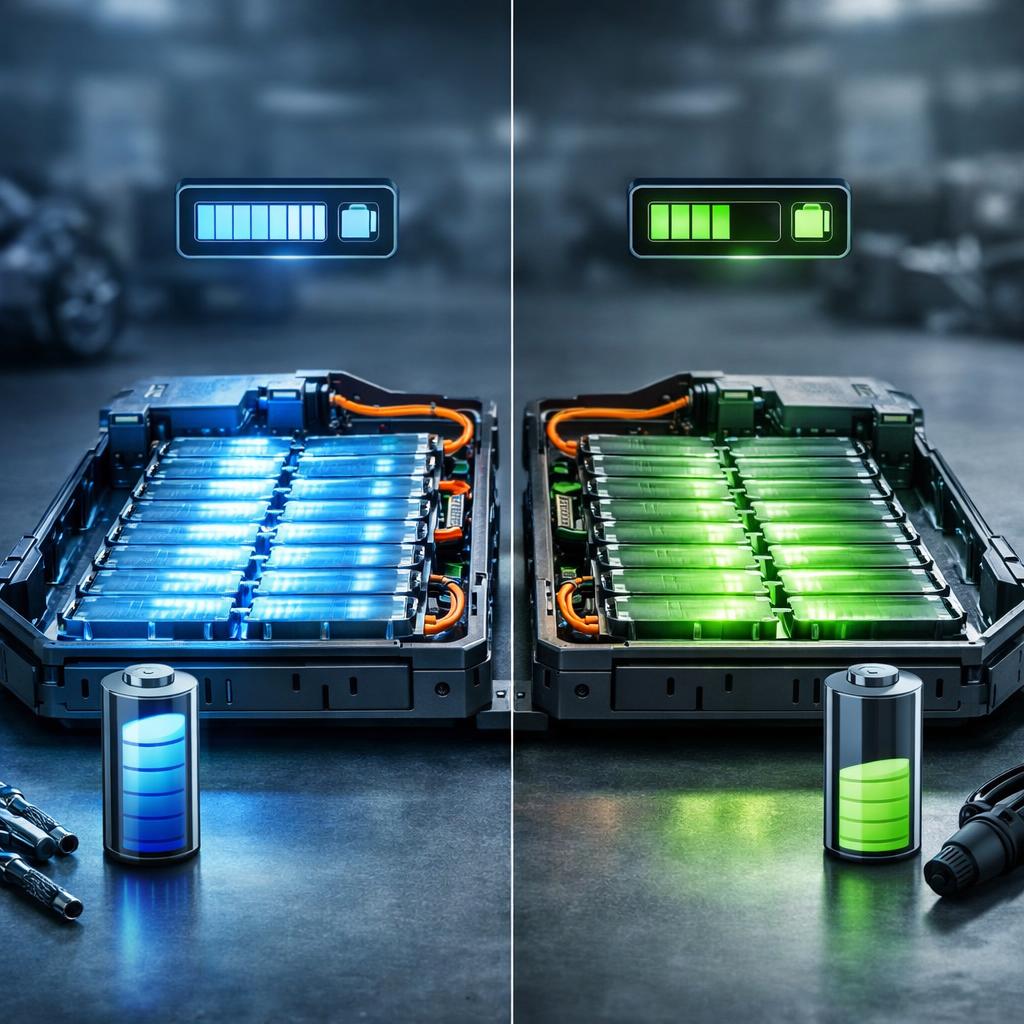
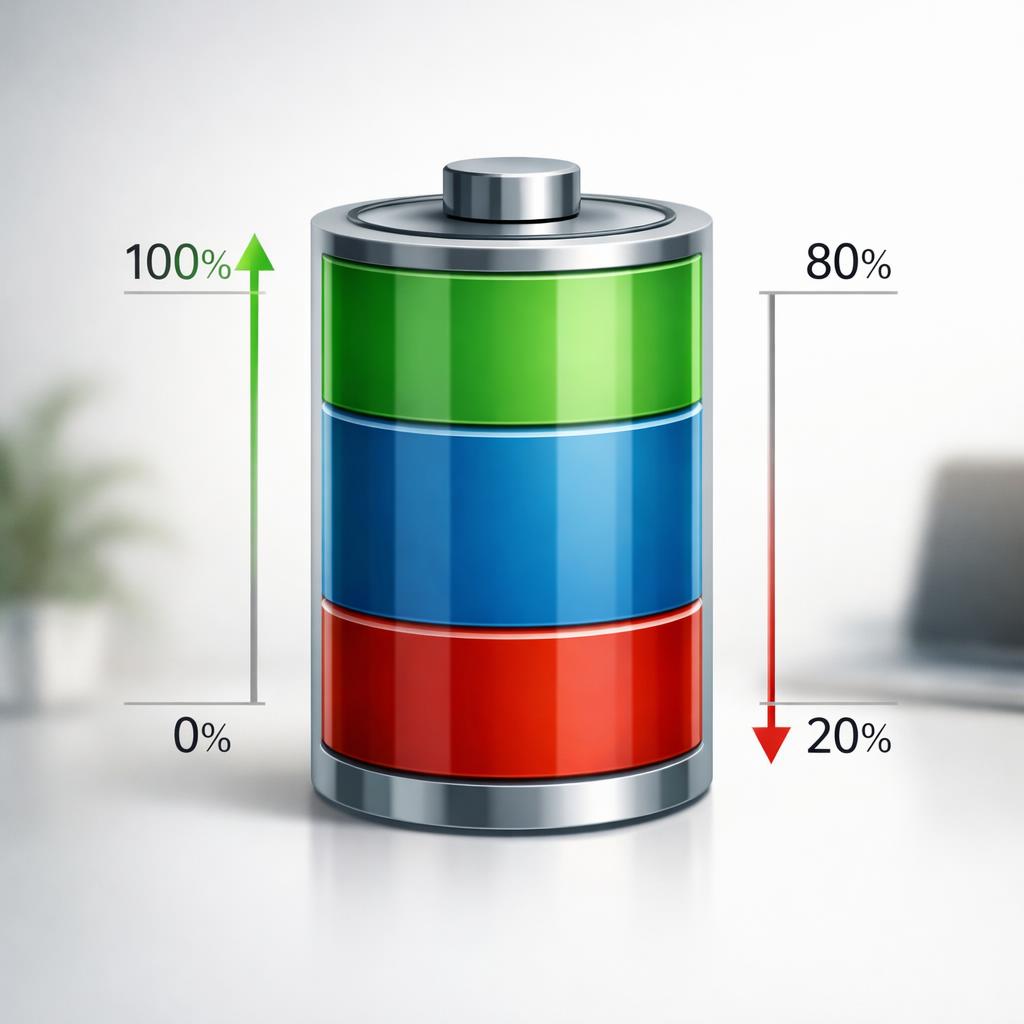
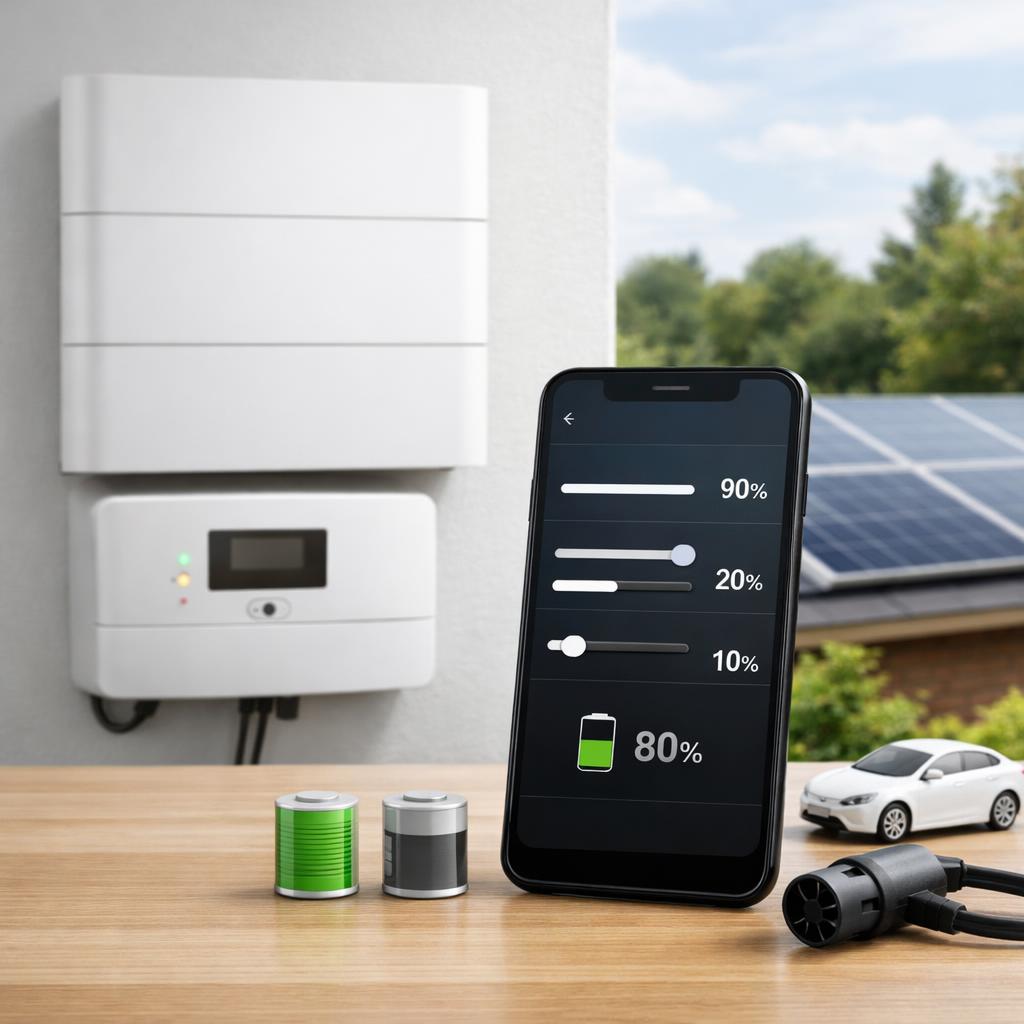
Image: Diagram of a battery with min and max percentages for charging and discharging; place this visually immediately after the introduction to quickly explain key concepts.
What limits you can usually set
The most common settings are a lower limit and an upper limit in percentages. The upper limit is the charging limit: you choose the percentage to which the battery can charge under normal circumstances. The lower limit is the discharge limit: you determine how much energy must remain available as a reserve before the system stops discharging. In apps or portals you usually see this as state of charge, for example 10%, 20%, 80% or 90%.
Minimum and maximum battery percentage
Some systems also offer additional options, such as time schedules, seasonal profiles or modes for self-consumption, backup reserve or grid optimization. For simple installations you can sometimes only set a minimum percentage. Other systems allow separate boundaries for normal use and emergency power. Also keep in mind that visible percentages are not always exactly equal to the technical limits of the battery. Manufacturers often build in internal buffers to protect the cells and keep performance stable.
If you want to better understand why a set limit does not always correspond to the full storage you expect to see in the app, also look at information about battery capacity and usable storage. That makes it clear why nominal capacity and actual usable capacity are not the same.
In plain language, this means that you usually don't use the entire battery "from 0 to 100%", even if the interface seems to show it that way. This is normal and usually intended to protect the battery. The answer to the question What charge/discharge limits can I set depends not only on what the app shows, but also on what the manufacturer has technically recorded in the background.
How to choose practical and safe values
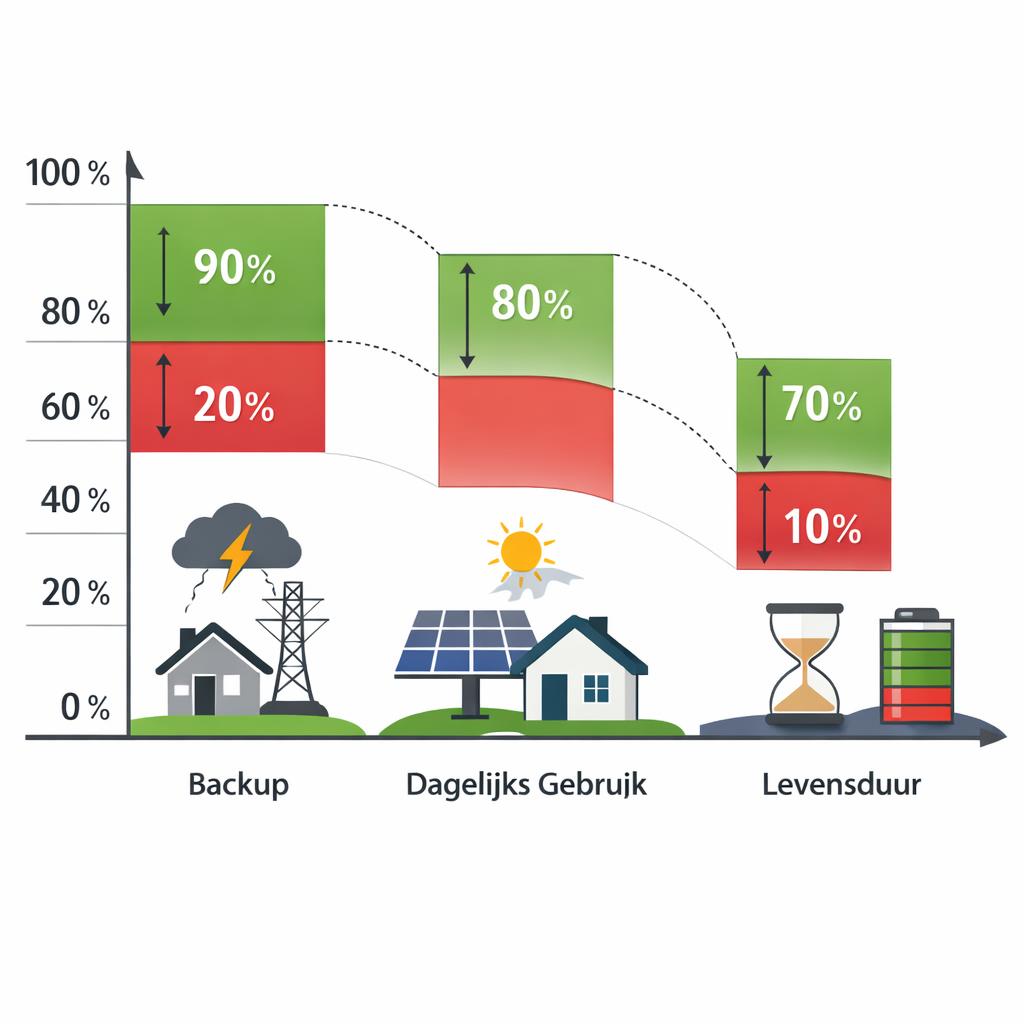
A good attitude mainly depends on your goal. If you mainly use the battery to consume solar power later in the day, many households opt for a wide usable bandwidth so that more of their own generation can be used. If you want to keep an emergency reserve on hand, a higher discharge limit makes sense. This means there is capacity left if the power goes out or if you want to be temporarily more independent of the grid.
Adjust to backup, consumption and lifespan
For daily use, many users prefer not to choose extreme values if not necessary. A battery that is continuously used as full as possible or as empty as possible can in some cases be less beneficial for the lifespan than a moderate setting. At the same time, there is no universal percentage that is ideal for every system. The maximum discharge that is considered normal or safe varies by battery chemistry, brand, inverter and software setting.
Therefore, always check what the manufacturer recommends and which options the installer has released. In some installations, boundaries are deliberately limited to comply with warranty conditions, performance specifications or local grid rules. That is also the reason why two apparently comparable home batteries can have very different setting options.
A practical approach is to first determine your priorities: lower grid consumption, more backup reserve or more careful use of the battery. Only then do you see which margins fit within your system. If you are in doubt, start with the manufacturer's or installer's default setting and only change anything after you have assessed the effect on available power, reserve and daily use.
Image: Simple decision graph with scenarios such as backup, daily consumption and lifetime; place in the section on choosing practical values.
When limits differ per system or situation
Not every battery system offers the same freedom. Some home batteries only allow you to set a reserve percentage, while others also support charging windows, discharge priority or network-dependent rules. In addition to the battery itself, the inverter, the software version and the configuration of the installation also play a role. As a result, the answer to which charge/discharge limits can I set is never the same for every make or model.
The usage situation also makes a difference. A home with frequent power outages often requires different settings than a household that mainly wants to shift energy costs to cheaper hours. Furthermore, an installer may have set limits based on battery chemistry, warranty terms, or the backup feature selected. Sometimes menus or percentages change even after a software update. Therefore, do not see these institutions as fixed standards, but as system-dependent choices.
Anyone who wants to adjust values would do well to compare the manual, the app explanation and the installation documentation. Pay attention not only to the percentages, but also to descriptions such as reserve, minimum SOC, backup level or maximum charging status. These terms often mean virtually the same thing, but are presented differently per brand. This prevents you from changing a setting without knowing exactly what the effect is.
If you can't figure it out, it helps to first clarify which system is involved: do you mean the charging and discharging limits of a battery, such as a home battery or EV, or of a software or data platform? This article concerns batteries, and brand, model and configuration determine how much you can really adjust.
Concluded
What charge/discharge limits can I set? In most cases this concerns a minimum discharge limit, a maximum charge limit and sometimes additional rules for time control, backup or energy management. Which values are useful depends on your goal: keeping a reserve, optimizing daily consumption or putting less strain on the battery. So there is no standard setting that is the best choice for everyone.
The most important rule of thumb is that you rely on the capabilities of your own system and not on general assumptions. Exact charge and discharge limits vary by battery type, manufacturer, software version and installer setting. Therefore, always check the product specifications, warranty conditions and installation documentation before making any changes. This way you choose settings that suit your situation and what the battery system actually supports.
FAQ
What is the difference between a charge limit and a discharge limit?
A charging limit determines to what percentage the battery may charge. A discharge limit determines the minimum level up to which the battery may discharge energy. Together they form the usable bandwidth in which the system normally operates.
What battery percentages are usually safe to set?
There is no universal percentage that is always correct. Much depends on battery chemistry, manufacturer, software and warranty terms. Therefore, always look at the recommended values in the documentation of your system and follow any settings made by the installer.
Can I set separate limits for normal use and backup?
With some systems yes. For example, you can maintain a higher reserve percentage for emergency power, while the battery uses a larger part of its capacity in normal use. Other systems only provide one general lower bound or a simple backup mode.
Why do I see less usable capacity than the set percentages suggest?
This is often because manufacturers use internal buffers. The percentages in the app are then user settings, while the system maintains extra margins in the background. As a result, the visible capacity may appear lower than you expect based on the nominal storage.