Anyone who searches for Tibber integration supports it usually wants to know quickly whether a connection is really available and what it can do for you in practice. The short answer is simple: support may be available, but it often varies by account type, region, device model and the functions a system can actually read or control. That is why it is smart not to just rely on a general mention of support, but to look at what the connection actually does.
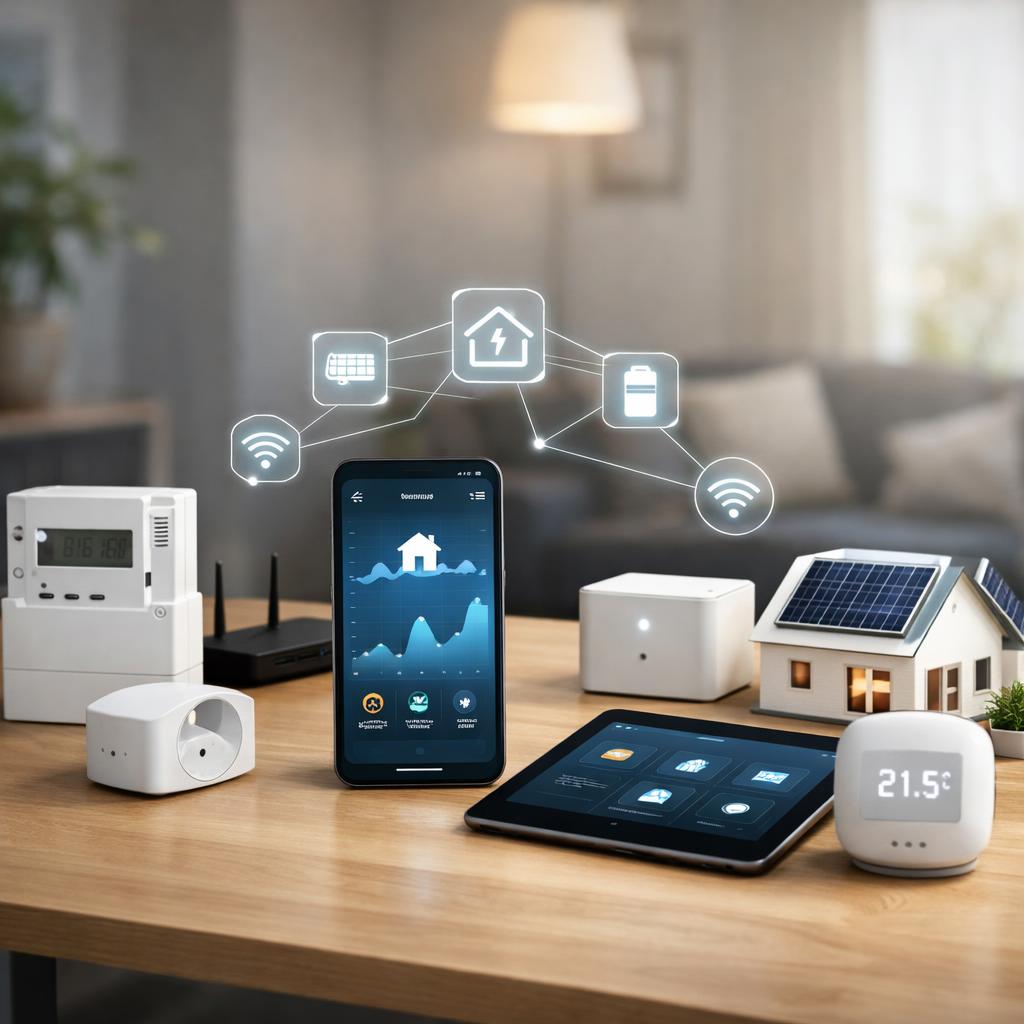
To better understand how consumption data, pricing information and connected devices come together, also check out smart energy metering and consumption insights. This makes it easier to assess whether an integration suits your home, installation and expectations. This prevents you from choosing a link that connects, but does not offer the functions you really need.
A Tibber integration usually means that another system can display, process or use data from your energy environment. Consider consumption data, price information, device status or automations that respond to available data. What exactly is supported varies per platform. That is why the question does Tibber integration work with my system can only be properly answered if you look at both the technical connection and the practical outcome in daily use.
Some integrations are designed primarily for insight, such as graphs, notifications, and historical overviews. Others focus on actions, for example planning charging, adjusting heating or controlling other smart devices. In many cases you will not automatically get access to everything. A system may display Tibber data but not control devices, or may have limited device functions without deeper analysis.
What data and functions are usually available
The most common components within a Tibber connection are current consumption information, historical measured values, price data and sometimes device status. With a more extensively supported connection, notifications, scenarios and automatic responses to certain circumstances may also be available. Still, keep in mind that not every feature is active in every region or for every device model.
Pay particular attention to the difference between reading and operating. Support for Tibber data and devices does not always mean that both sides are fully available. For example, a link can show data perfectly, but cannot change the settings of a charging point or thermostat. Therefore, check in advance which fields are visible, how often data is updated and whether the integration is only informative or also allows practical management. There you will see whether Tibber integration supports it is really sufficient in your situation.
How to check if support is really there
The safest way to properly approach how to check Tibber integration is to work with a short checklist. First check whether the system explicitly states that Tibber is supported, and not just via a general connection option. Then check which functions are mentioned: only view data, or also automate and device control. Then compare that with your own goal, so that you do not rely on a broad but unclear description.
In addition, check whether there is documentation about login, permissions, update speed and error messages. It is precisely these practical points that often show whether an integration is mature and reliable. If you want to check device compatibility in advance, you will avoid a lot of disappointment. Also pay attention to whether support is official, provided through a partner or depends on a detour. That difference affects stability, maintenance, and the ease with which you can troubleshoot problems later.
Important terms and conditions regarding account, region and devices
There are four points almost always involved in the conditions for Tibber connection: account access, region, device model and available features within the service itself. An account can be valid, but not have the correct permissions for an external link. A particular function may also work differently in the United States than elsewhere, or may only be available within a specific market or network structure.
In addition, the exact device model counts. Two products from the same category sometimes appear similar, but do not support the same data or commands. Therefore, look further than just the product name and check version, generation and software. Also check whether an integration is dependent on additional hardware, a separate meter or an active subscription. If you check these conditions in advance, you will get a much more realistic picture of what is and is not possible with Tibber integration in your own situation.
Choose the right next step for your situation
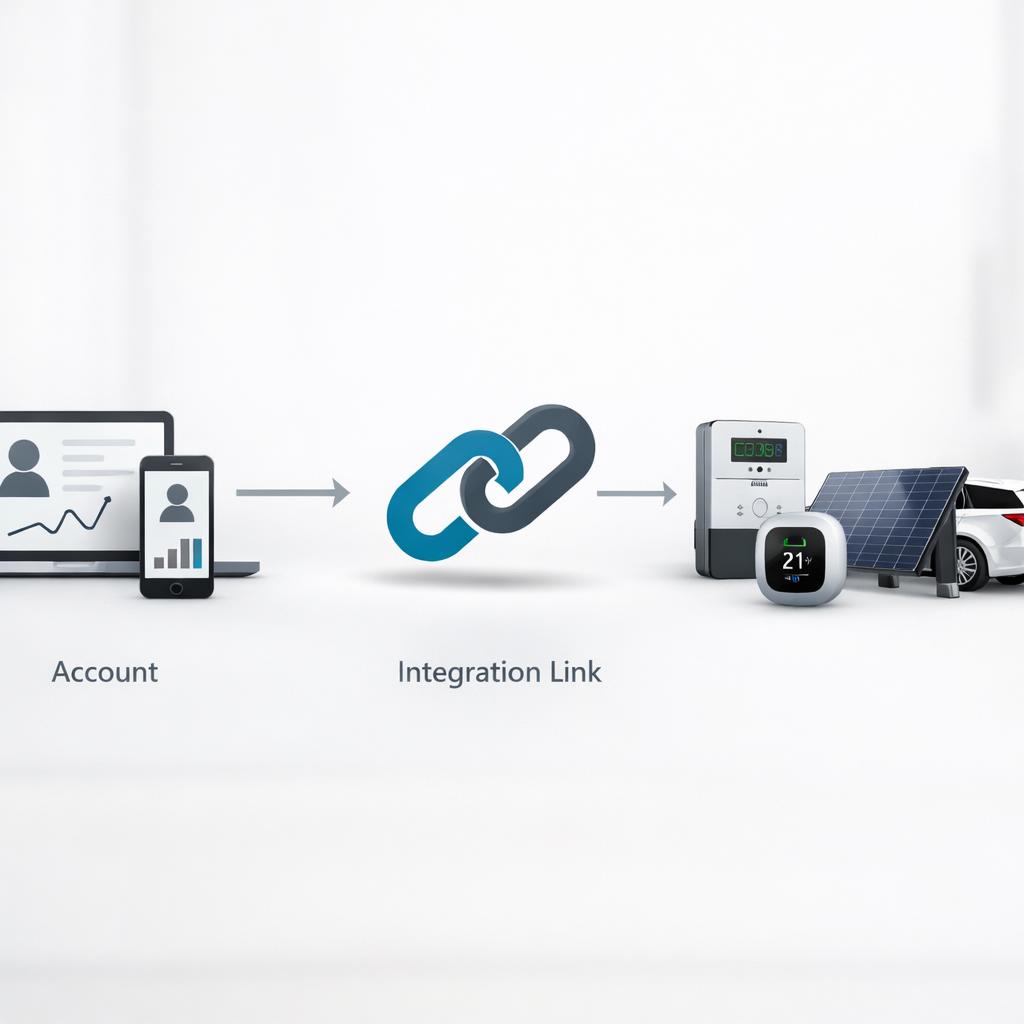
If you know what is technically and practically supported, you can determine which next step is logical. For some households, only insight into consumption and prices is sufficient. In that case, a simple link that shows stable data is sufficient. Other users want to go further, for example with charging planning, smart control or combining multiple devices in one environment. Then it is important that the integration does more than just read data.
When making your choice, look at reliability, maintenance and expandability. A link that works today should continue to work after account settings or device updates. Therefore, ask yourself whether you are mainly looking for an overview, or whether you want to expand later. This also makes it clearer whether Tibber integration supports it is really sufficient for you, or whether you should choose an alternative that better suits your home, energy use and technical wishes.
When a direct link is better than a detour
A direct connection is often attractive if you want simplicity, clarity and fewer points of failure. You then usually have fewer links between account, data source and device. This makes it easier to detect errors and often ensures that functions remain available more consistently. Especially when you depend on current price or consumption information, a direct approach can be more practical than a detour via additional services.
A detour can still be useful if you are looking for special automations or want to bring together multiple systems. However, extra control is required, because each additional link can influence speed, rights and reliability. Therefore, do not automatically choose the most extensive route, but the route that suits your goal. This way you can honestly assess whether a Tibber integration in your case should mainly inform, direct or combine both tasks well.

Conclusion
The question Tibber integration supports it is only really answered when you look beyond a simple yes-or-no statement. Support often depends on account type, region, device model, and the features available within the connection. It is therefore wise to first determine what exactly you want: only consumption insights, also price information, or also operation of devices and automations.
If you carefully check what data is available, what rights are required and whether the link works directly or via a detour, you will make a better choice. This way you avoid surprises and choose an integration that suits your technical level and purpose. For most readers, the best next step is to check documentation, compatibility, and real-world features to see if the Tibber integration you choose really supports what you need.
Frequently asked questions
How do I know if a Tibber integration is officially supported?
See if support is explicitly stated in the system's documentation, including descriptions of features, rights, and limitations. Also note whether there is a direct link or support via an external party. A clear feature list and maintenance information usually provide a more reliable picture than a loose mention of compatibility.
Which devices usually work with a Tibber coupling?
This varies by region and model, but often involves energy meters, charging solutions, some heating solutions and other smart devices that share consumption or status data. Always check the exact model and available features, as two similar devices may have different levels of support.
Can I use a Tibber integration without activating all features?
Yes, often. Many users start with just insight into data and later expand to notifications or control. This is useful if you first want to see whether the coupling works stably. Please check to see if partial usage affects access, settings, or required permissions within your account.
Why does a link sometimes work in theory, but limited in practice?
This often happens due to differences in account rights, region settings, software versions or limited support for specific functions. A link can also retrieve data, but not execute commands. That's why a hands-on check with your own account and device model is more important than just a general product description.