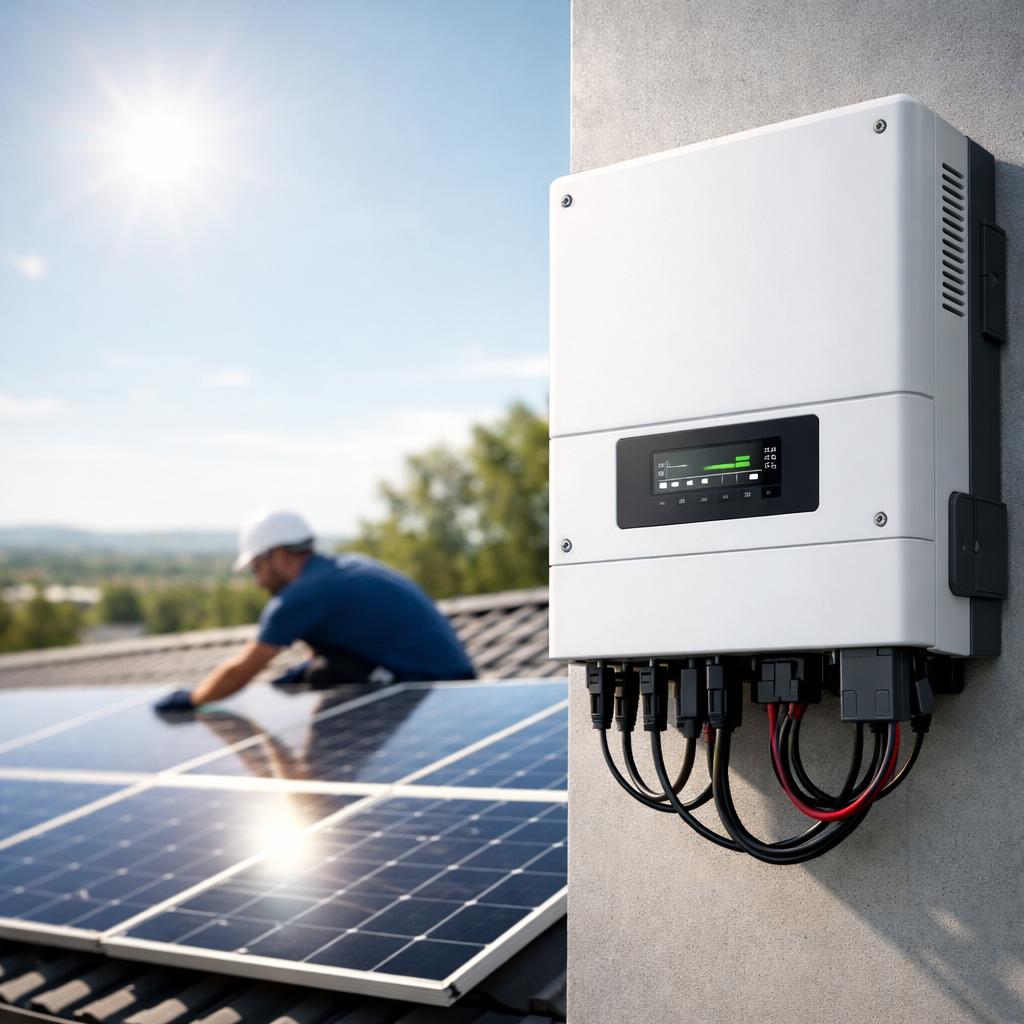
Anyone who buys a home battery will soon notice that the app has a great influence on daily use. On paper, systems may look very similar, but in practice it is the software that makes the difference between “just a quick check” and “where should I look next?” A good app shows without hassle what you generate, consume, store and return. This makes energy management not only more transparent, but also more useful in daily life. If you want to understand the basics first, you can start with this explanation of how a home battery works.
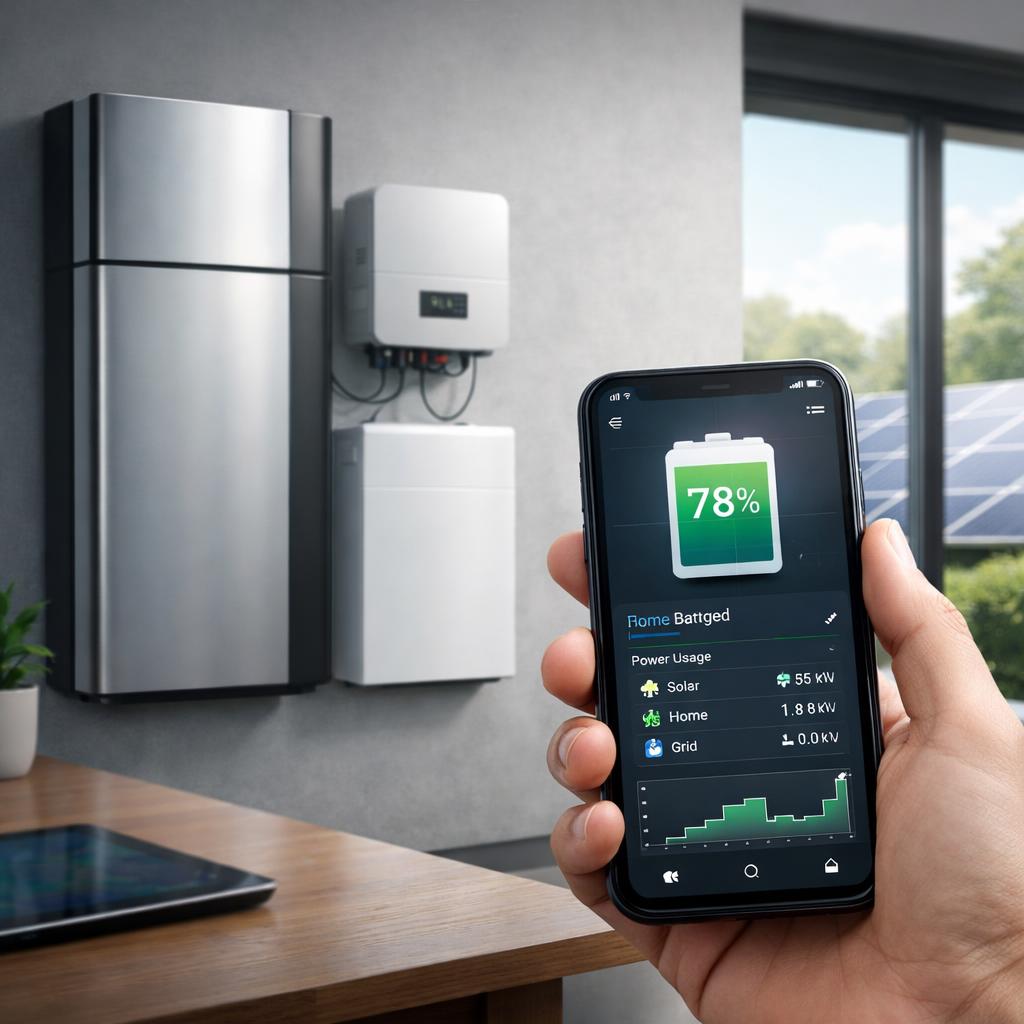
The short answer to the question Which home battery has the best app is: it depends on what you find important. Some households mainly want simplicity and clear figures. Others are looking for more detail, smart notifications or local control without dependence on an external server. In practice, a few names are often mentioned because of their strong app experience: Tesla Powerwall 3 is known for a very user-friendly and clear app, Enphase IQ Battery 5P scores well on system insight, and Sessy is interesting for those who consider local control important. Yet comparison remains important, because functions also depend on inverter, installation and region.
Image tip: Place a comparative table image here with criteria such as ease of use, real-time data, notifications, integrations and local controls.
Where a good home battery app really makes the difference
A strong app does not turn a home battery into a closed box, but a system that you understand and can follow. This starts with clear insight into the charging status, solar yield, home consumption and power going to or from the grid. If that information is immediately visible, a system quickly feels more reliable. For many people, that is more important than a long list of advanced menus that they hardly use.
Pay attention to these 4 points: real-time insight, controls, notifications and integrations
First look at the speed of the data. If numbers are noticeably behind, it becomes more difficult to understand what is happening at that moment. Then comes the controls: can you easily change charging modes, set a backup reserve or manually adjust priorities? Notifications are especially useful if they are relevant, for example in the event of disruptions, abnormal consumption or a low reserve. Finally, integrations count heavily. If the app works logically together with solar panels, a smart meter or dynamic rates, the system becomes much more valuable to use.
In practice you see clear differences between brands. Tesla Powerwall 3 is often praised for the calm dashboard and the clear real-time display of generation, storage and consumption. Enphase IQ Battery 5P is strong if you already have Enphase solar panels or microinverters, because the app then shows the entire energy system in one environment. Sessy chooses a different route and mainly appeals to users who prefer to work locally, with direct control via their own network. This makes the app often simpler, but more attractive for some households.
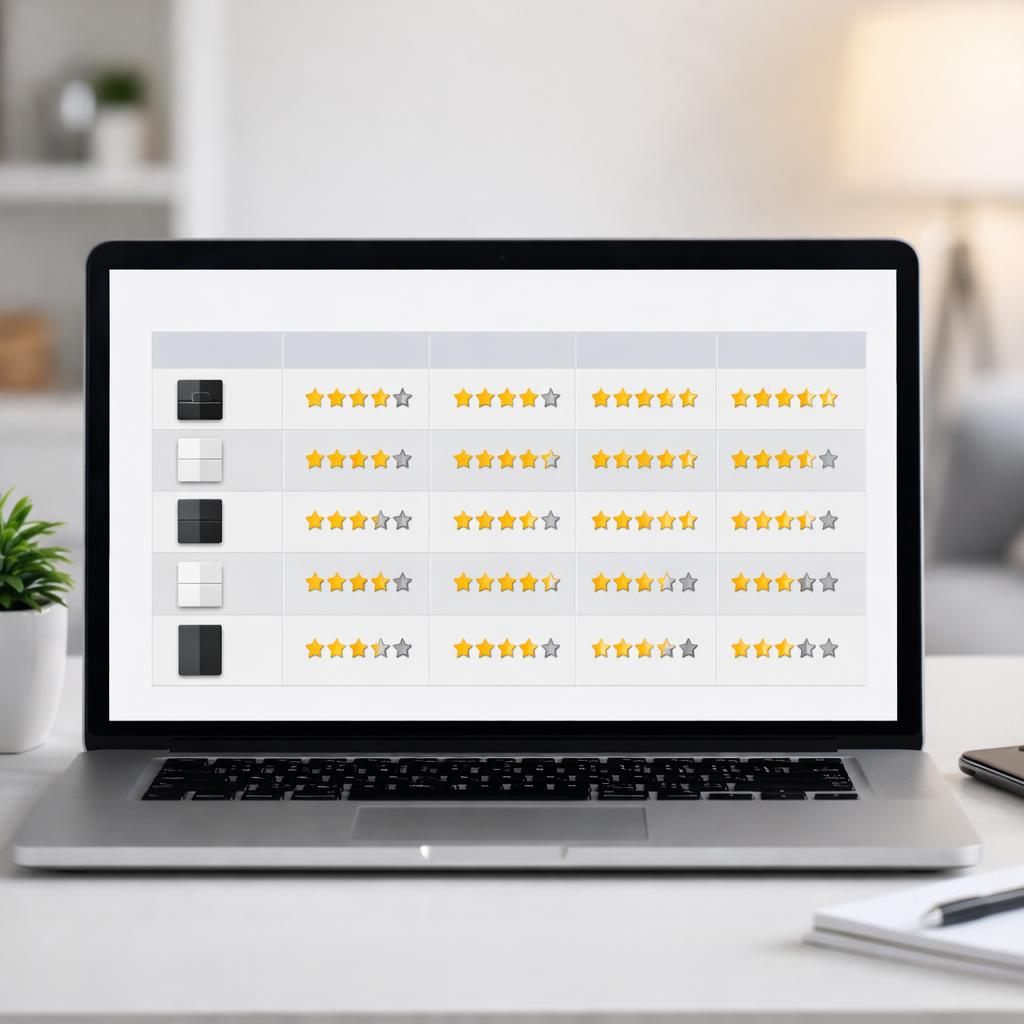
The best way to compare apps is to look at daily usage, not sales pitch. Imagine a normal morning: you want to see in a few seconds how much energy is available, what your home is consuming and whether the battery is charging or discharging. If you first have to tap through multiple screens, the app is less pleasant in practice than the specifications suggest.
Rate on daily use, not just the number of features
Many brands emphasize extra features, but clarity and stability are often more important in the long term. Therefore, pay attention to how logically the app is structured, how quickly data refreshes and whether settings remain understandable even for non-technical users. A good app helps beginners get started right away, but at the same time offers enough detail for those who want to analyze more.
Here you can also see why the question Which home battery has the best app cannot be answered with one universal answer. Tesla is often the most polished choice for people who want a smooth and accessible experience. Enphase is interesting for those who are mainly looking for system-wide insight and are already part of that ecosystem. Sessy is a better fit for users who value local control and want to be less dependent on cloud access. So it's not just about which app looks best, but about which app best suits your way of living and monitoring.
Additionally, pay attention to the balance between cloud control and local access. Cloud apps are useful if you want to watch outside the home, receive notifications remotely, or get updates automatically. Local access is interesting if you want to keep basic functions available without an internet connection. For some buyers that is a deciding point. If you look beyond marketing and demo screenshots, you usually get a much more realistic picture of the actual user experience.
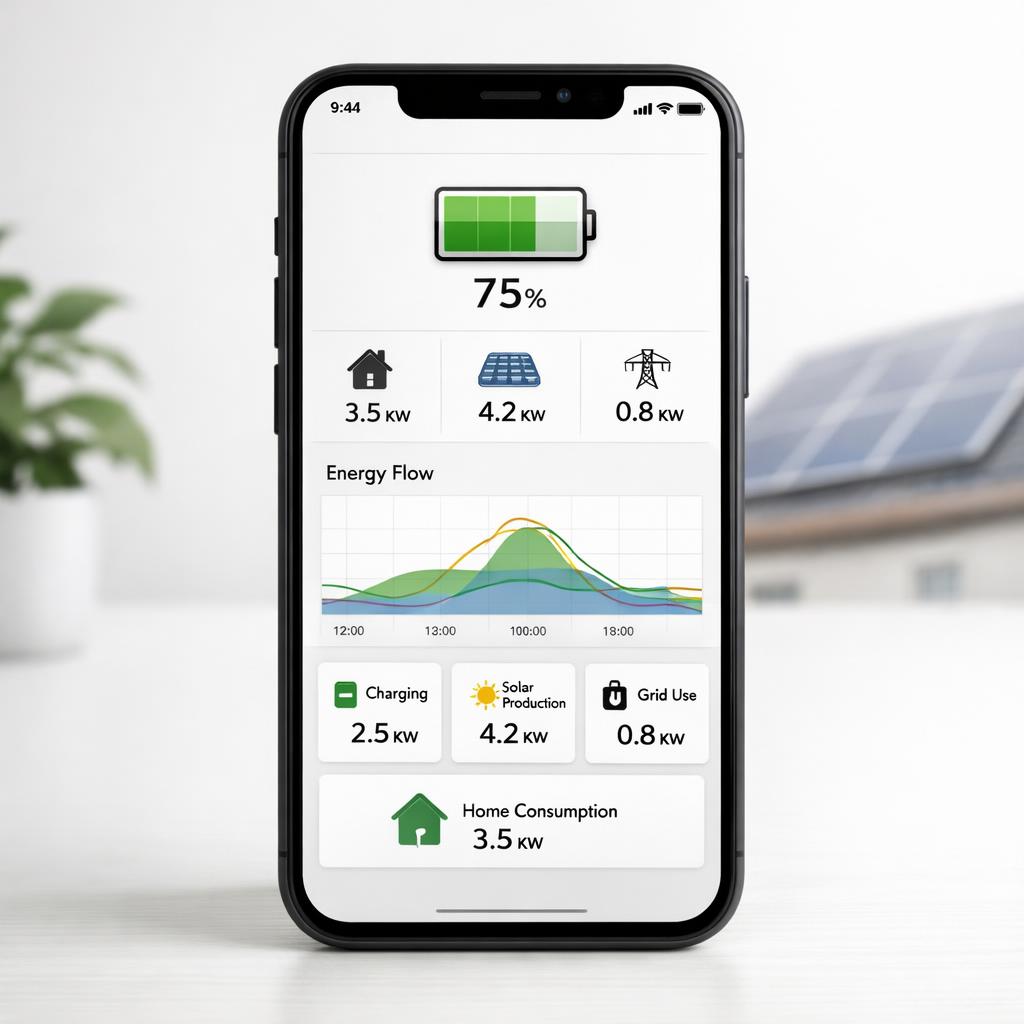
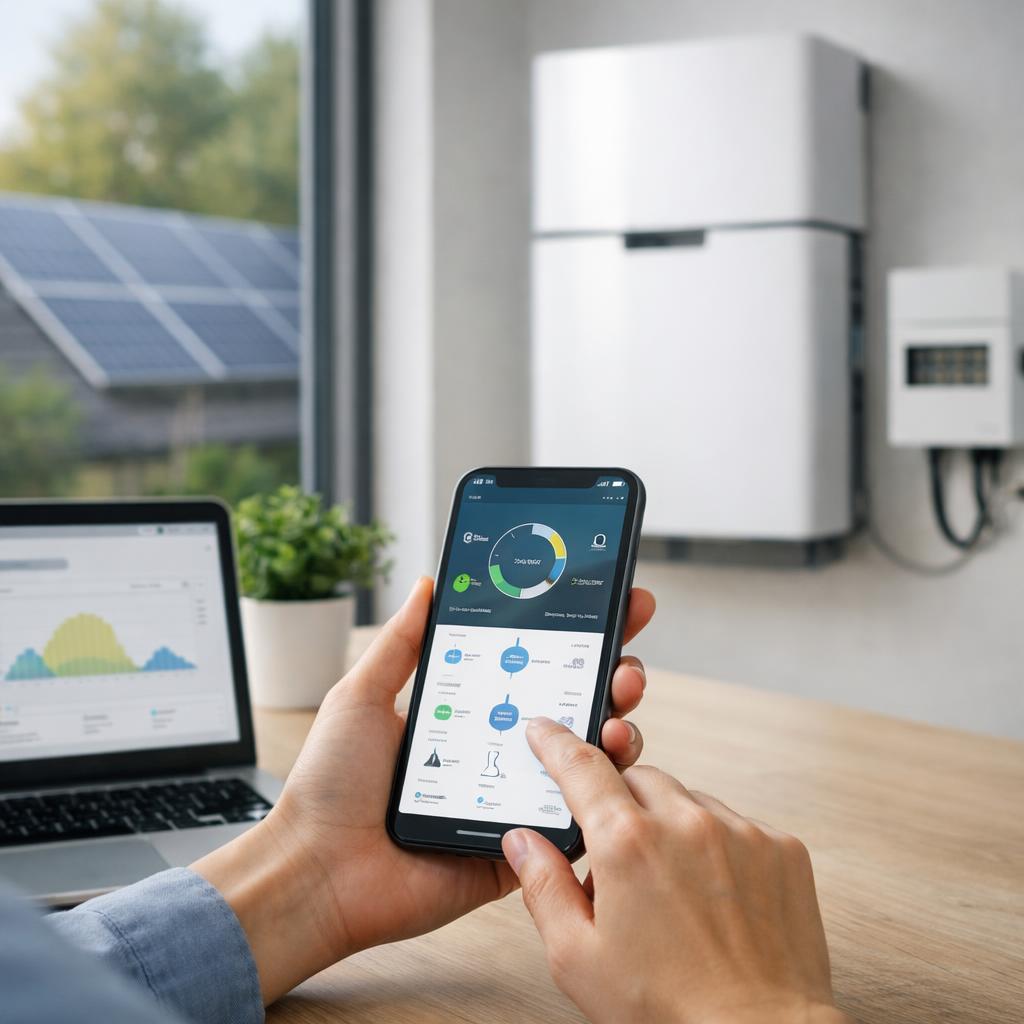
Image tip: Post here a mockup of a smartphone interface that shows what a good home battery monitoring dashboard looks like.
Conclusion
Which home battery has the best app? For many users, Tesla Powerwall 3 comes closest to the most complete and user-friendly app experience, especially due to its uncluttered design and clear real-time data. Enphase IQ Battery 5P is a strong choice if you want in-depth insight into a complete solar and battery system. Sessy is interesting if you consider local operation more important than an extensive cloud platform.
The best choice ultimately depends on your priorities. Pay particular attention to real-time monitoring, simple operation, useful notifications and good integrations with the rest of your energy system. Don't just look at how many functions an app has, but especially at how pleasant those functions are in daily use. If you want to consider the financial side in addition to app quality, read on about the costs of a home battery.
FAQ
What should I pay attention to with a home battery app?
Pay attention to overview, speed, reliability, settings, notifications and integrations. The app must show at a glance what your battery is doing and be easy to operate. Additional functions are only really valuable if they continue to function clearly and stably in daily use.
Is a local app better than a cloud app for home battery?
That depends on your preference. Local apps often offer more independence and direct access to your own network. Cloud apps are useful for remote control, remote service and automatic updates. For those who want maximum control, local can be attractive; For those looking for convenience, the cloud is often more practical.
How important is real-time data in a home battery app?
Very important. Real-time or near real-time data makes it easier to understand your usage and check whether the battery is charging and discharging properly. Without up-to-date insight, energy management remains largely guesswork, especially if you have solar panels or work with variable electricity prices.
Can a good app compensate for a less good installation?
No. A good app improves ease of use, but doesn't solve incorrect sizing, limited compatibility or mediocre installation. See the app as an important part of the user experience, but not as a replacement for a technically well-tuned system.