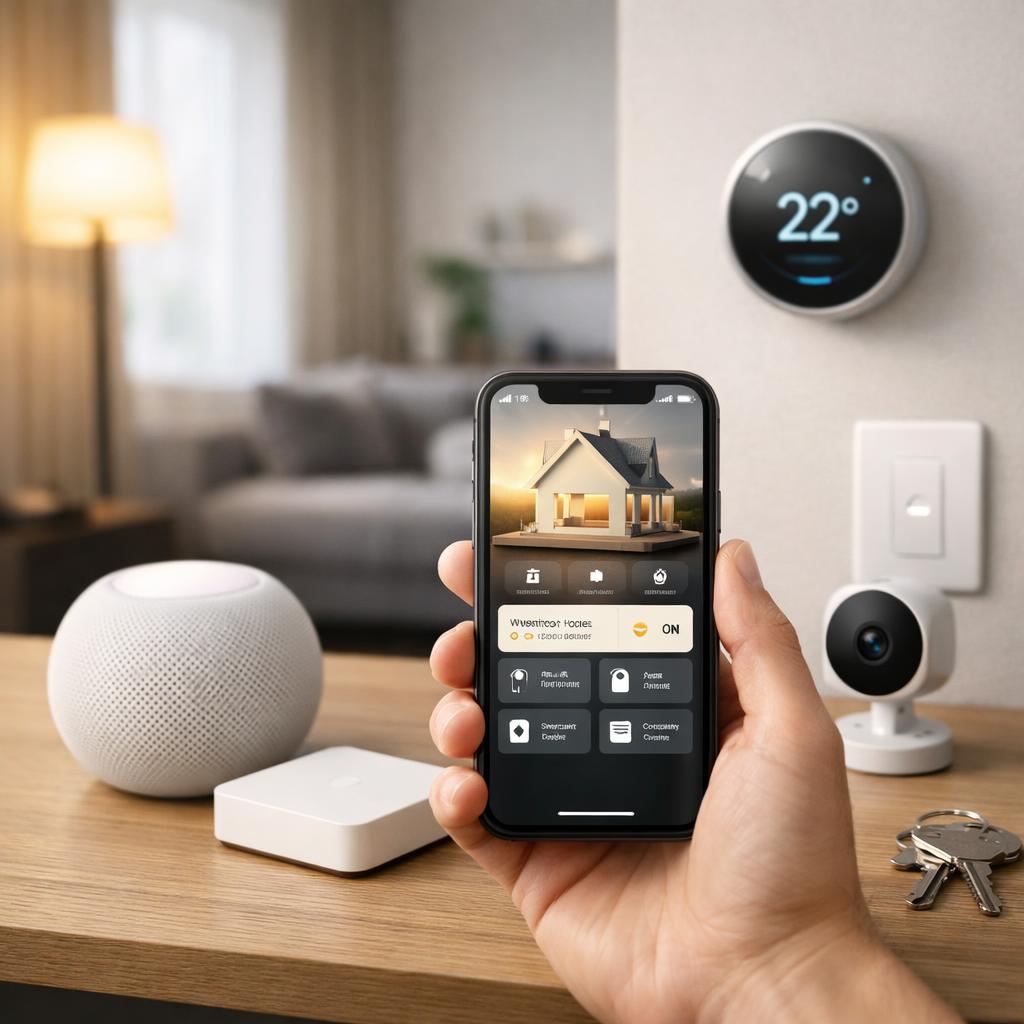
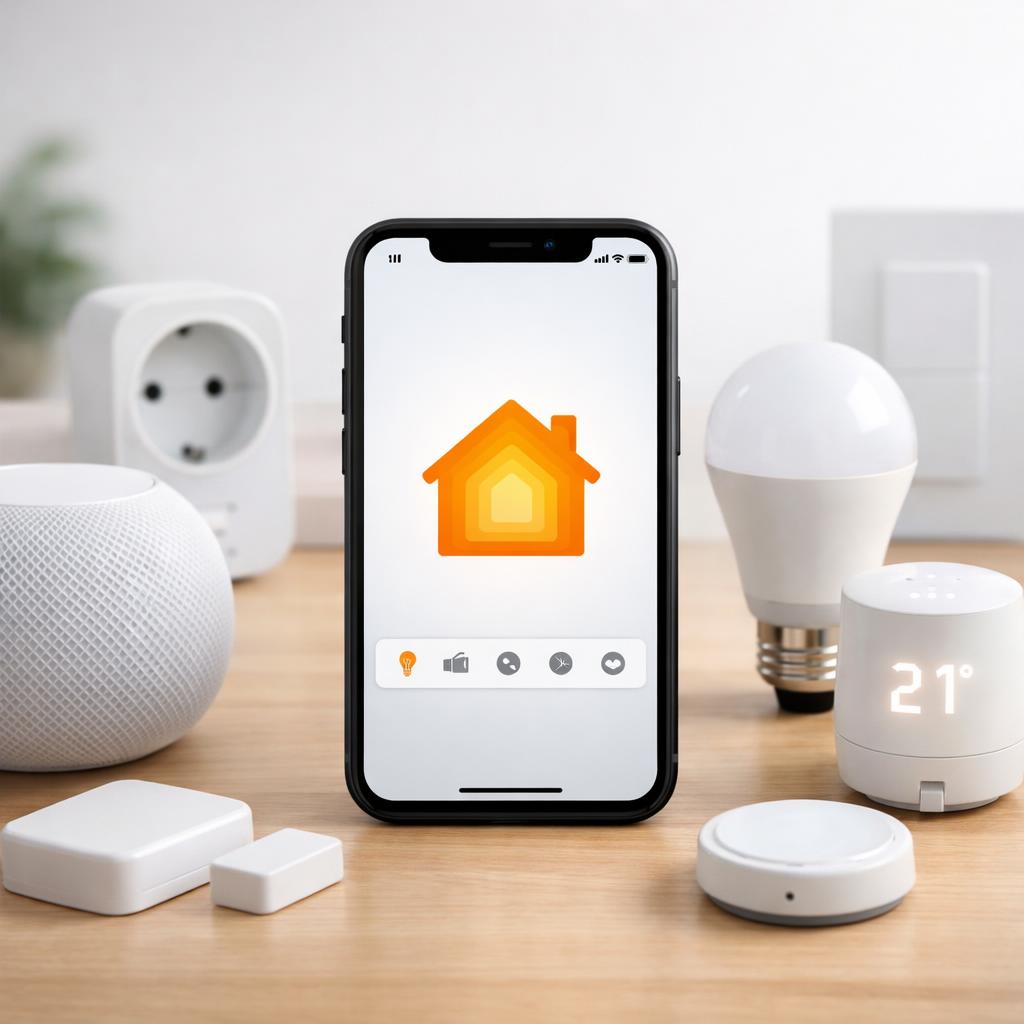
HomeKit compatible means that a smart device can work with Apple Home, so you can control multiple functions from one familiar home environment. This is especially useful for households in the United States if you value simplicity, privacy and fast operation. You can clearly bring together lights, sensors, cameras, locks and climate control, without having to constantly switch between separate applications.
If you are still getting your bearings, a guide to starting a smart home will help you first determine your basic choices. Anyone who wants to know what HomeKit compatible exactly means should pay particular attention to visible support, installation requirements and daily ease of use. Compatibility may vary by model, software version and region. Therefore, always check the packaging, product specifications and availability in your area before purchasing.
What HomeKit compatible exactly means
When a device is HomeKit compatible, this means in practice that it is designed to work within Apple Home. You can often add it to your home, divide it per room and operate it via your telephone, tablet or voice control. This provides more overview and makes automation easier, such as lights that turn on at sunset or a notification from a door sensor when you are not at home.
However, you should not simply accept that support. Some devices only offer basic controls, while others also fully support status displays, scenes and automations. That is why the answer to the question of what HomeKit compatible means is not only technical, but also practical. You want to know which functions you really get in daily use. Additionally, pay attention to differences between older and newer versions, as compatibility may change due to updates, new versions or regional restrictions.
This is how you recognize real compatibility on packaging and product page
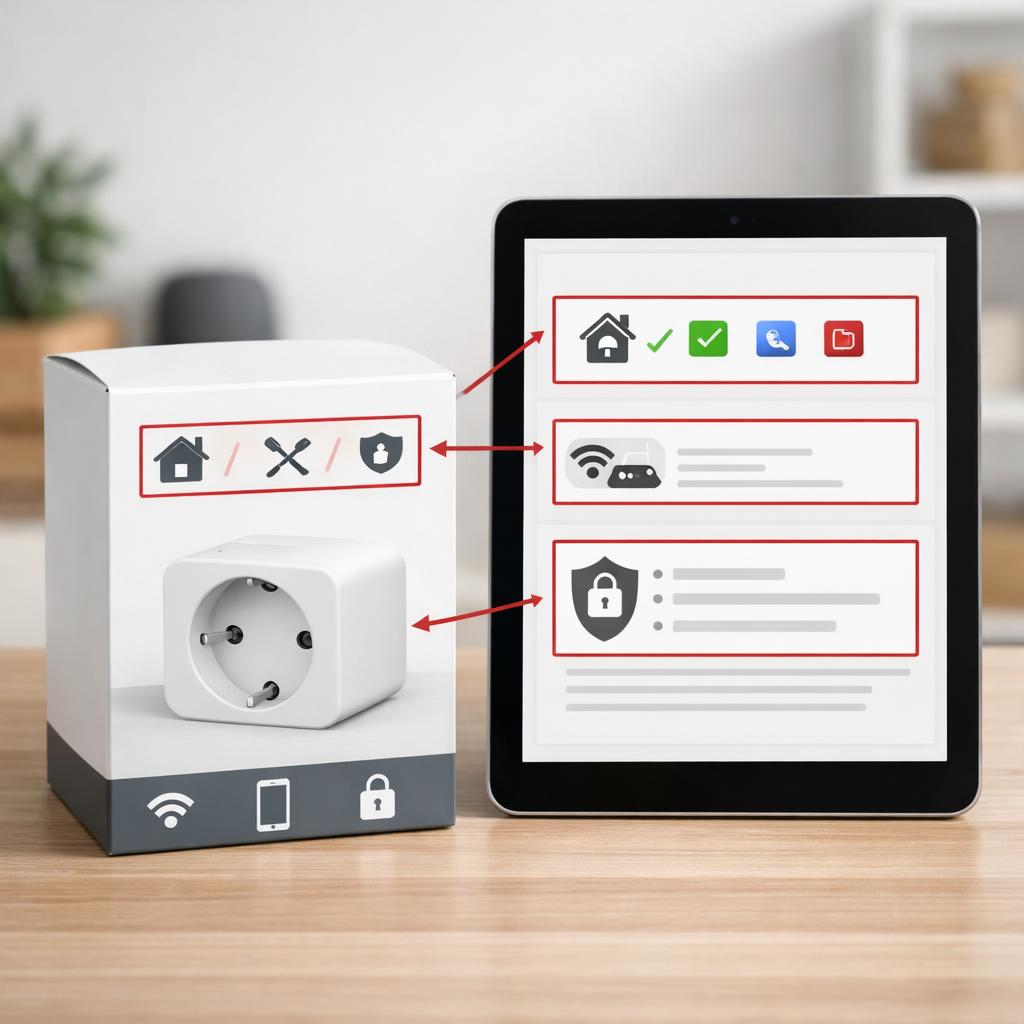
If you want to know how to recognize HomeKit compatible devices, it is a good idea to first look at the packaging and then at the product page. Look for a clear statement that the device works with Apple Home. That information should be visible in the specifications and not hidden in small print. Installation requirements, such as an additional home hub, type of connection or minimum software version, must also be clearly stated.
In addition, check whether the manufacturer explains exactly which functions are supported. For example, a product may be visible in your home environment, but support less extensive automation than you expect. Also pay attention to regional availability, as a model sold in the United States may differ from a version for another market. Good product information lists compatibility by model number, current software and sometimes even by accessory or expansion set.
What to consider when choosing compatible devices
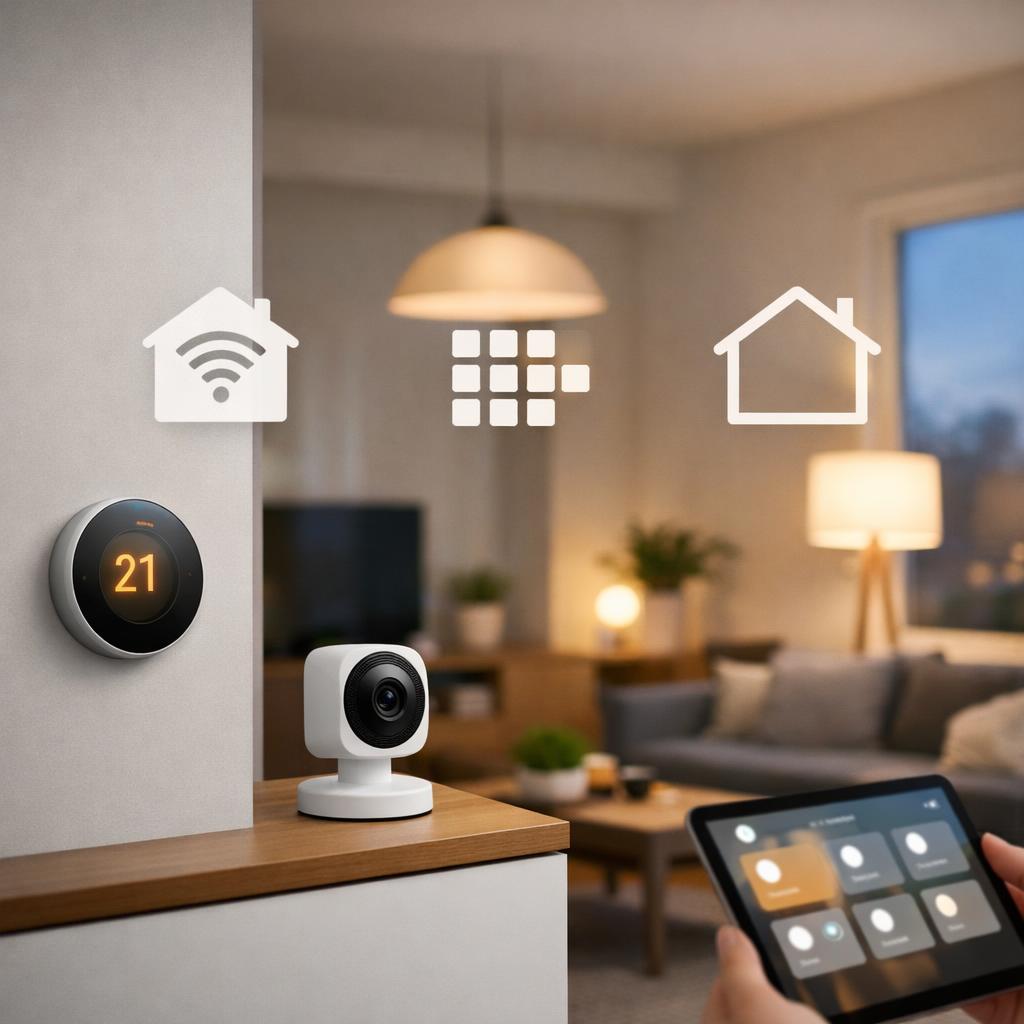
When choosing HomeKit compatible devices, it's not just about whether a device can connect, but also how smoothly it works on a daily basis. Consider the type of connection, the stability of the operation and the role of a home hub. A smart socket is often installed quickly, while a lock, camera or thermostat requires more preparation. The simpler the installation process, the better the chance that your system will continue to work reliably later.
Also look at the way devices function together. As your smart home grows, you want new components to fit logically into existing rooms, scenes and routines. A cheap separate purchase may later prove inconvenient if the connection is cumbersome or the operation feels slow. That's why it pays to think about your entire home in advance. That's an important part of setting up a HomeKit compatible smart home without unnecessary frustration or extra steps.
Key points: installation, operation and privacy
Installation must be clear and feasible for your situation. Check whether you only need a network connection, or also additional components such as a home hub or specific power supply. Read on to see if the device offers easy pairing, or if it requires multiple steps, separate applications, or manual settings. Clear instructions on the packaging and product page save a lot of time and uncertainty later.
Operation and privacy are just as important. A good device responds quickly, shows a clear status and fits into your daily routines. For privacy, look at data processing, storage of images or history, and settings for notifications and access rights. Especially with cameras, doorbells and sensors, you want to know exactly what information is stored and who can access it. Therefore, check not only the sales text, but especially the product specifications, software requirements and regional availability before you decide.
Conclusion
HomeKit compatibility is especially valuable if you want to use smart devices within Apple Home in a simple, clear and privacy-conscious way. The concept goes further than just being able to connect. You want to know which functions are really supported, how the installation works and whether the device suits your home and routines. That's why it's smart to look not only at the front of the package, but also at model information, software versions and region availability.
Conscious comparison avoids disappointment and builds step by step a system that works well. So always check how you recognize HomeKit compatible devices, what installation requirements apply and what you should pay attention to when purchasing. For practical ideas at home, you can also read about smart lighting and automations. This way you can choose with more confidence and get more out of your smart home, without unnecessary detours or surprises after purchase.
Frequently asked questions
What's the difference between HomeKit compatible and general smart home compatibility?
General smart home compatibility can mean that a device works with different platforms or separate applications. HomeKit compatible specifically refers to support within Apple Home. That difference is important, because functions, controls and automations can vary greatly per environment. A device that is smart in a general sense does not automatically offer the same experience within Apple Home.
How do I check if a device works with Apple Home?
First check the packaging and then the product specifications on the product page. Look for a clear mention of Apple Home support, along with information about model number, software requirements, and any additional components. Also check whether the manufacturer mentions which functions are available. Finally, check whether the model in question is supported in your region.
Do I always need additional parts to use compatible devices?
No, that varies per device. Some products can be added directly, while others work better or offer additional functions with a home hub or additional basic unit. The type of connection and software version also play a role. Therefore, always read the installation requirements in advance, so that you do not discover that you are missing something only after purchase.