Short answer: Google Home compatibility revolves around whether a smart device works well with the Google Home app and voice control in your home. That depends not only on the device, but also on the brand, the associated app, the model, your region and the features that are actually supported.
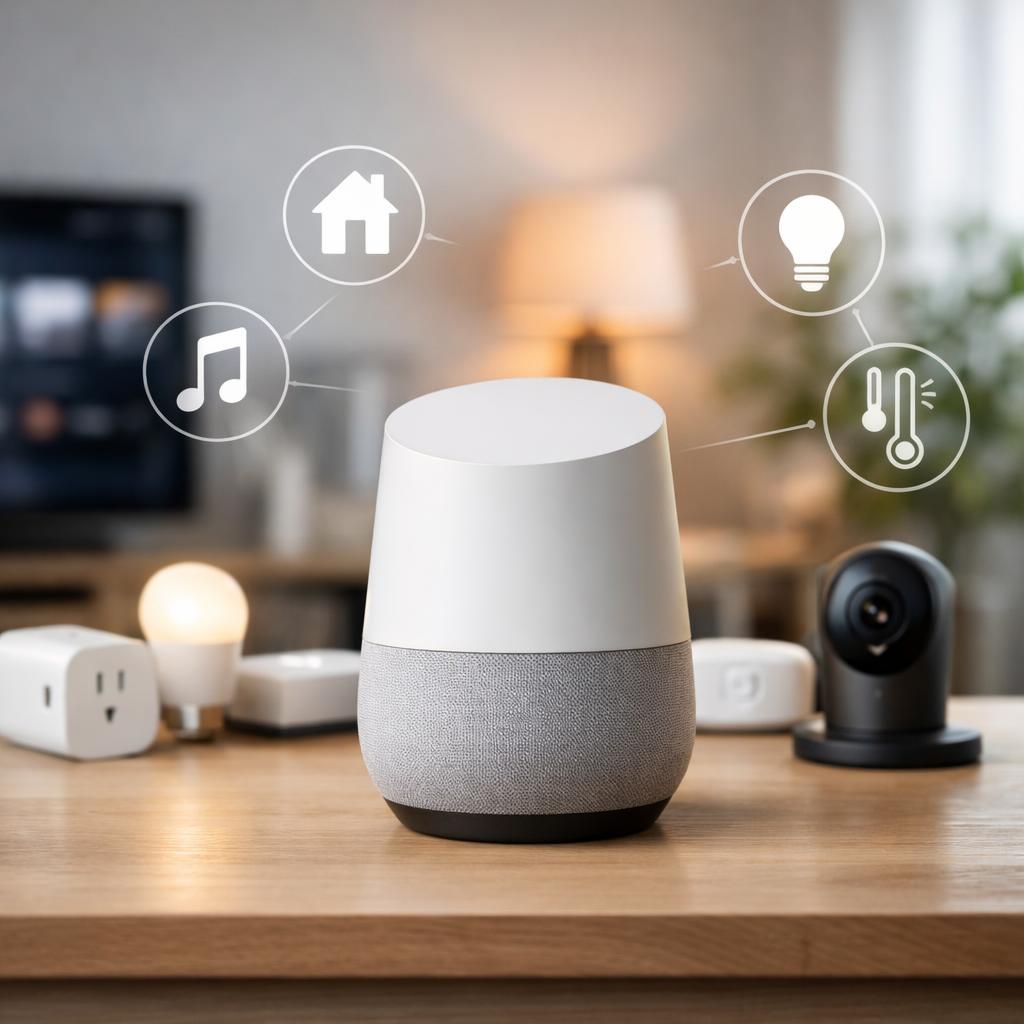
For many people, this is especially important: which devices work with Google Home, how do you avoid a bad purchase and why are some functions limited after pairing? That's exactly what compatibility is about. A device can easily become visible in the app, but then only offer basic operation. Think of a lamp that you can turn on, but that does not support scenes or extensive routines.
If you are just starting to connect smart devices to Google Home, it helps to first understand the basics. Also read our explanation about the smart home. This will help you understand more quickly why a plug connects, but does not appear in every automation, or why a camera does provide an image in its own app but has fewer options within Google Home.
How Google Home compatibility works in practice
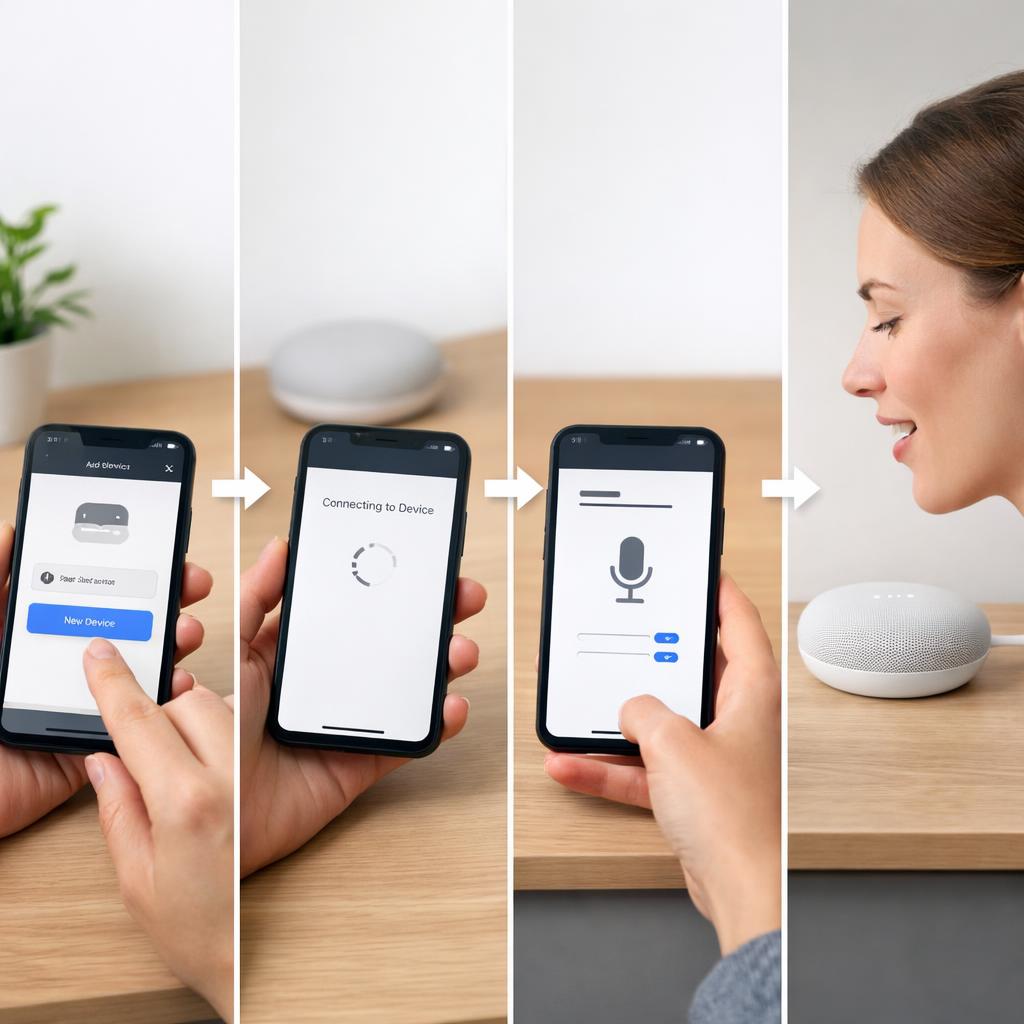
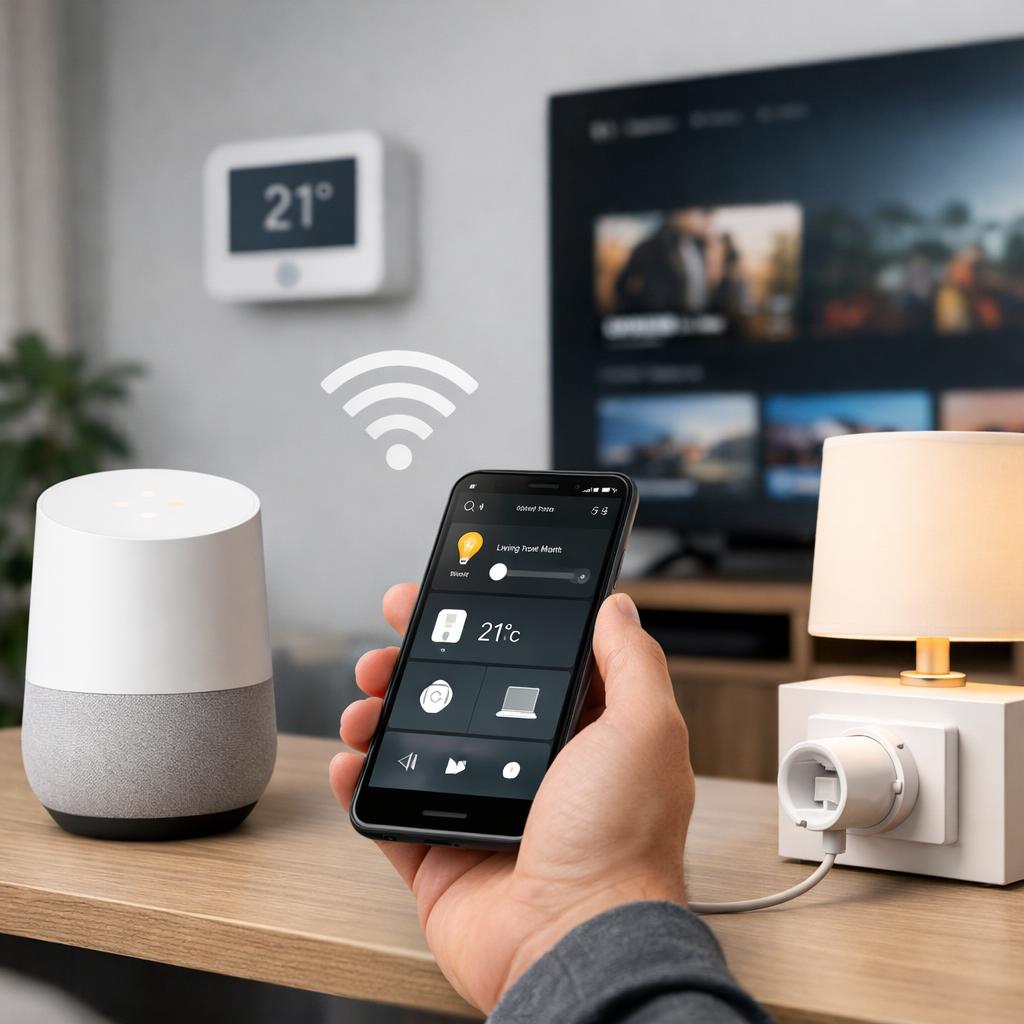
In practice, Google Home compatibility usually occurs via a link between the Google Home app and the manufacturer's app. You add a brand, log in with your account and give permission to show devices. Then, for example, lamps, plugs, cameras, thermostats or robot vacuum cleaners will appear in your home overview. However, that does not automatically mean that all options are available.
Many brands only offer the basics, such as on and off, dimming or adjusting the temperature. Other brands also support rooms, routines, notifications or more extensive voice commands. It is precisely that difference that often causes confusion. The packaging states that the product works with Google Home, but in daily use the support turns out to be much less than you expected.
Region and model also play a larger role than many buyers think. A product sold in the United States may have different features than a comparable model in another market. In addition, newer models often receive more support than older variants. That's why checking Google Home compatibility is always smarter than relying on a general promise from a store or manufacturer.
Pay particular attention to these points: the exact model number, the supported app, the type of Wi-Fi, account requirements, and any restrictions around imaging, sensors, or automations. This way you avoid buying a device that technically connects, but in practice does not suit what you want to do.
Which devices are usually easiest to connect
The best chance of a smooth start is usually with smart lamps, smart plugs and thermostats. These product groups often require less complicated settings and usually offer the functions that most people want to use immediately. Lamps and plugs are especially attractive for beginners, because you quickly notice whether the connection works properly.
It is often more complicated with cameras, doorbells, locks and sensors. There functions can vary greatly per brand and per screen device. For example, a live image may be visible in your own app, but not on every linked screen within Google Home. Additional security steps or limited voice control are also more common. Therefore, always look at the exact model and not just at the device group.
How to check whether a device is suitable before purchase
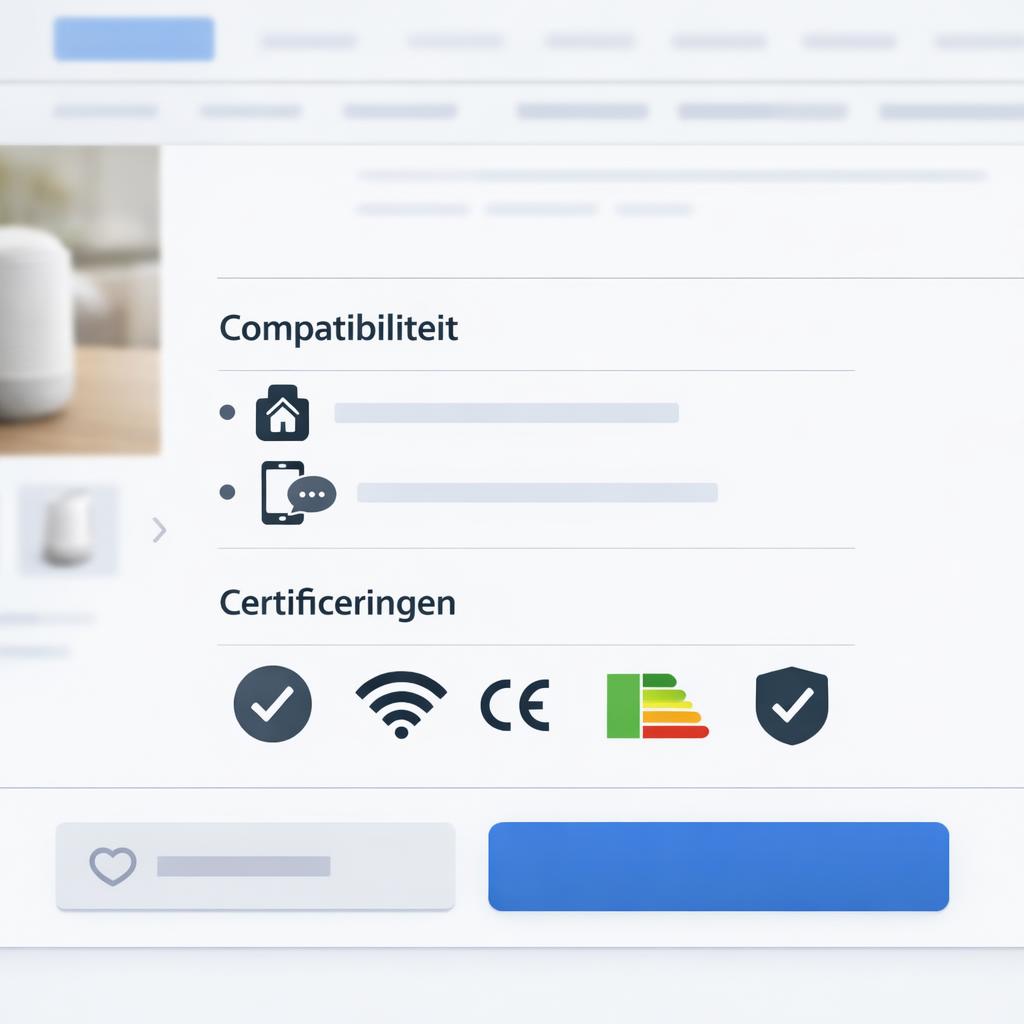
The safest approach is to look in three places before purchasing: the packaging, the product page, and the manufacturer's app. Look for a clear statement that the device works with Google Home or the Google Home app. Even more important is whether it states exactly which functions are supported. Just a logo is not enough if you also want to dim, use routines or receive notifications.
Then check whether any restrictions are mentioned. Common examples include only support for certain models, only WiFi at two point four gigahertz, or a mandatory account link. A required bridge or additional base station can also have an influence. If you take checking Google Home compatibility seriously, you will avoid a lot of hassle after installation.
Also read the experiences of other users, but do so with a critical eye. An individual complaint does not necessarily mean that a product is unsuitable. Sometimes the problem lies in outdated software, an incorrect region setting or an old model that is no longer actively supported. Therefore, it is better to look for recurring patterns in multiple reviews and manuals.
Finally, check whether the manufacturer still releases updates and whether the support is current. A device that works fine today, but requires little maintenance, may later cause problems when connecting smart devices to Google Home. You often only notice this when routines stop, devices go offline or certain functions suddenly disappear.
Signs you should really pay attention to
Reliable signals include an explicit compatibility statement, an up-to-date list of supported systems, and a clear explanation of the pairing process. It is even better when the manufacturer describes exactly what you can do via Google Home. Think of on and off, dimming, changing temperature, receiving notifications or starting routines.
Be careful with vague texts, just a general symbol or missing information about region, model numbers and app requirements. Multiple separate apps for different product lines can also cause confusion. A clear product page with concrete feature descriptions is usually more valuable than flashy packaging with little real information.
Conclusion
Google Home compatibility is therefore not a simple yes or no. A device can be visible in the app, but still be limited by brand, model, region, or the app you choose. If you check in advance which model is supported and which functions are really available, you will avoid most disappointments.
The most useful rule of thumb is simple: don't rely solely on a logo on the packaging. Look at the model level, read the function description and check whether the device is still actively supported. This way, Google Home compatibility becomes a practical tool instead of a source of frustration, and you can connect smart devices with Google Home in a way that suits your home.
Frequently asked questions
How do I know if a smart device works with Google Home?
Look for a clear statement on the packaging or product page, check the model number and read whether the manufacturer describes support via its own app and via Google Home. Also pay attention to restrictions around region, WiFi and available features.
Do all smart bulbs and plugs work with Google Home?
No, many lamps and plugs connect easily, but not all. Older models, products without a well-supported app, or devices with regional restrictions may lose weight. Functions may also differ, such as dimming or showing consumption information.
Why does my device appear in the app but not respond properly?
This is often due to problems with WiFi, account linking, outdated software or unclear device names. First check whether the device is working properly in the manufacturer's app and then sync with Google Home again.
What is the most important thing to check before purchasing?
The most important thing is explicit confirmation that your model works with Google Home, along with an overview of supported features. This allows you to check Google Home compatibility before purchasing and avoid disappointment after installation.