Anyone who wants to build or expand a smart home wants to know in advance whether devices really work well together. openHAB compatibility is therefore rarely about a simple yes or no. It's all about the combination of protocol, link, firmware, hub and local settings. By assessing all these components together, you prevent bad purchases, frustration and extra work after installation.
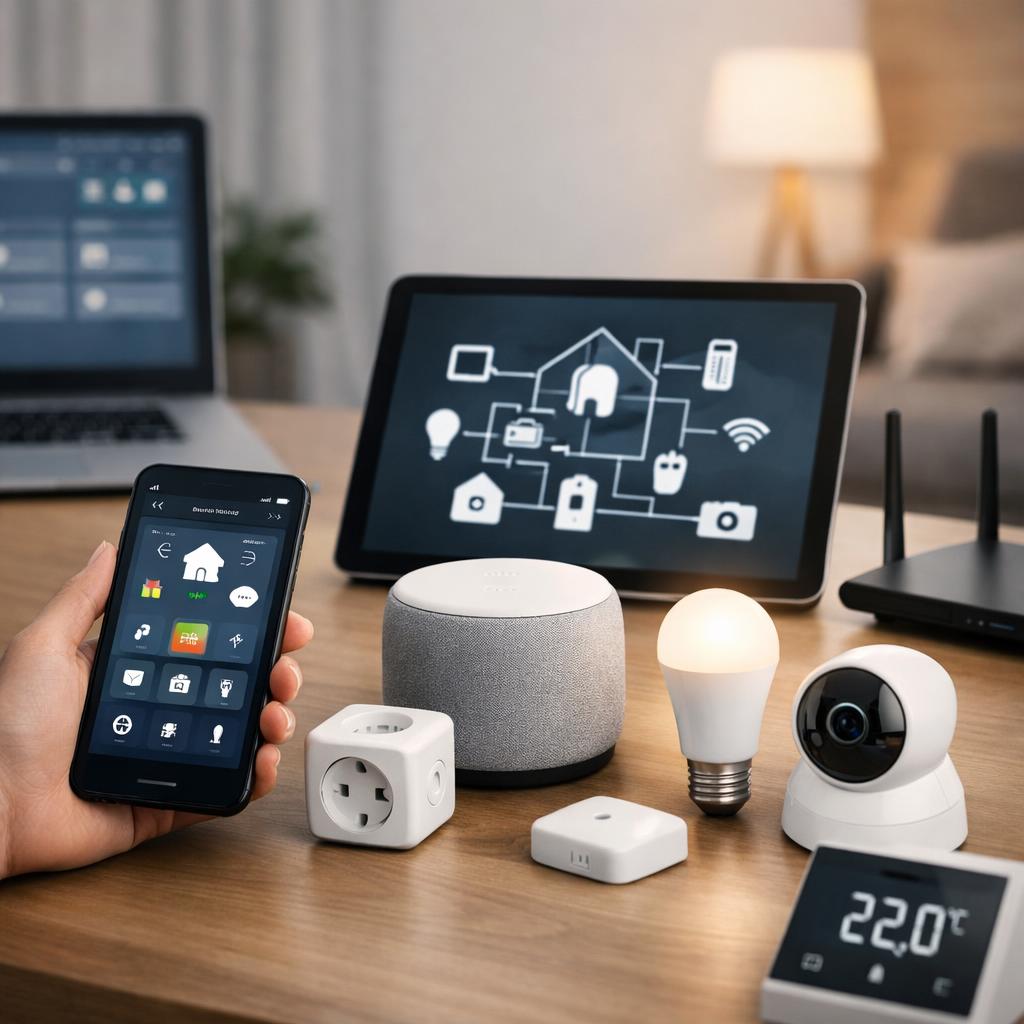
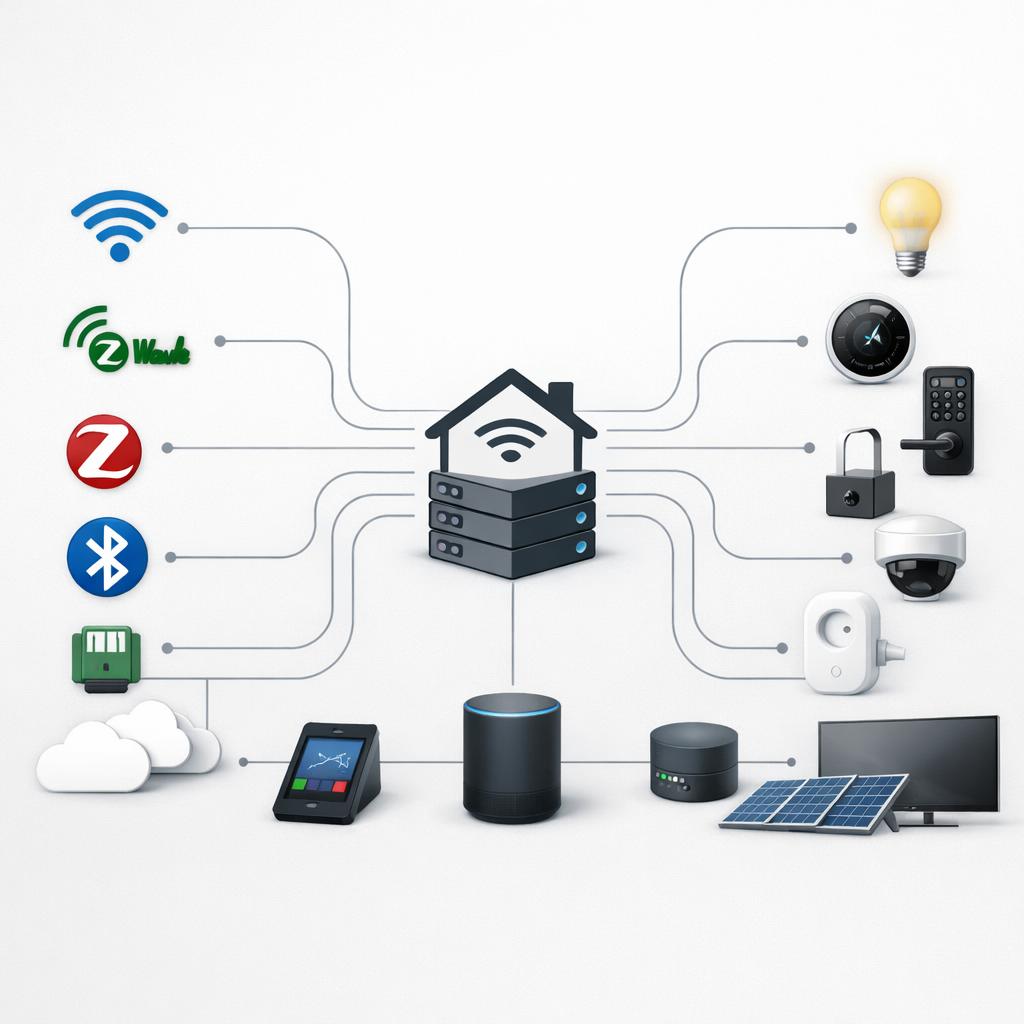
When checking openHAB compatibility it is wise to first look at supported connections and how a device communicates with the system. Therefore, read more about smart home protocols before you buy anything. This gives you a quicker insight into which devices are likely to work well with openHAB and which models require additional steps or limitations.
What openHAB compatibility really means for users
For most people, openHAB compatibility means that lights, sensors, switches, thermostats and other smart devices are not only visible in the system, but also usable in everyday life. For example, a device can be added, but only show some of its functions. That is why it is important to ask not only whether a product works, but especially what options are available, how stable the connection is and whether local operation remains possible without dependence on an external service.
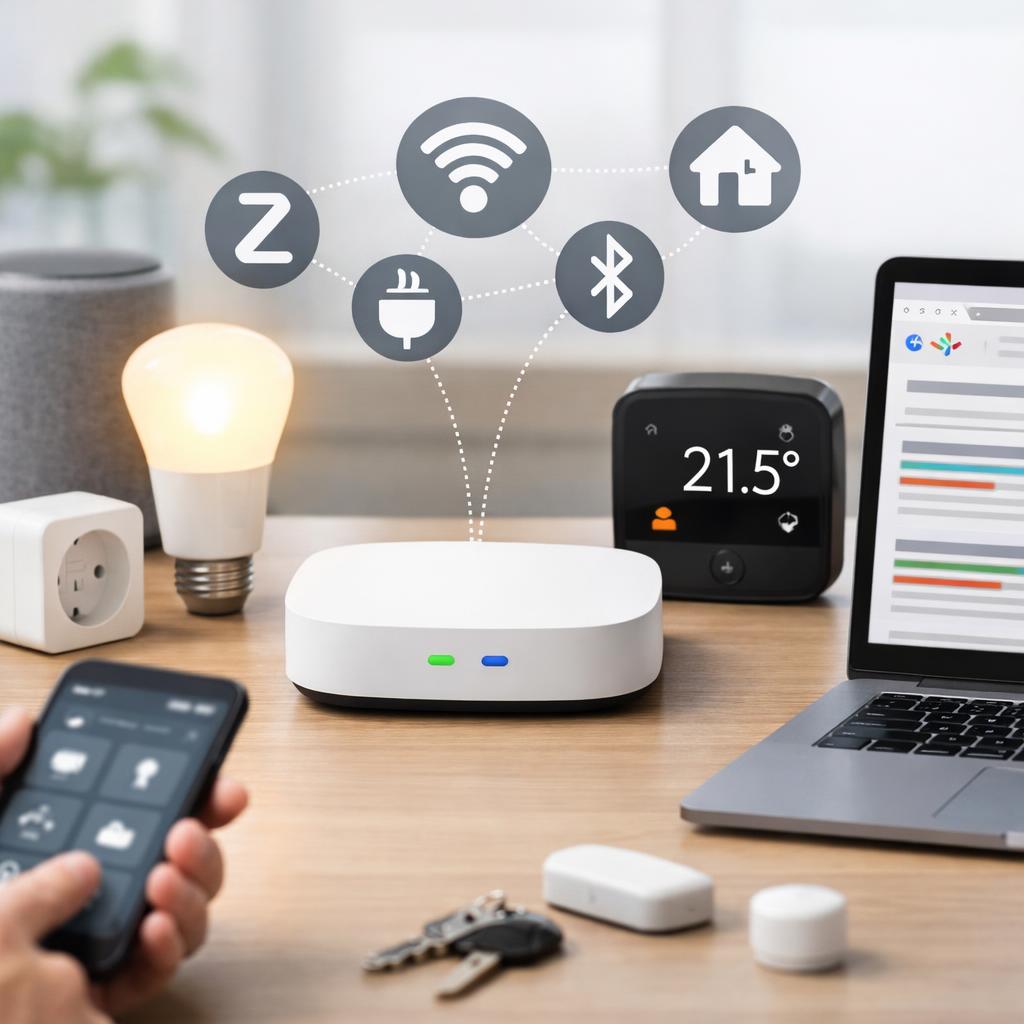
Compatibility also varies per situation. A product that works via Zigbee, Z-Wave, WiFi or another protocol may require additional hardware or a separate intermediate layer. Firmware versions, model numbers and available extensions within openHAB also play a role. Anyone looking for openHAB support for smart devices usually wants to know whether a solution is reliable, logical and future-proof in practice. The best starting point is therefore an assessment on several points at the same time, instead of relying on general sales talk or isolated experiences on a forum.
Also consider the difference between adding and actually using. Sometimes a device shows up nicely in openHAB, but is missing power metering, scenes, battery status, or advanced notifications. That makes a big difference for daily use. If you want to build automations, receive notifications, or combine multiple devices, the connection needs to do more than just basic operation. It is precisely that distinction that determines whether openHAB compatibility is sufficient for your situation.
Smart openHAB compatibility check before purchase
Practical check points before purchase
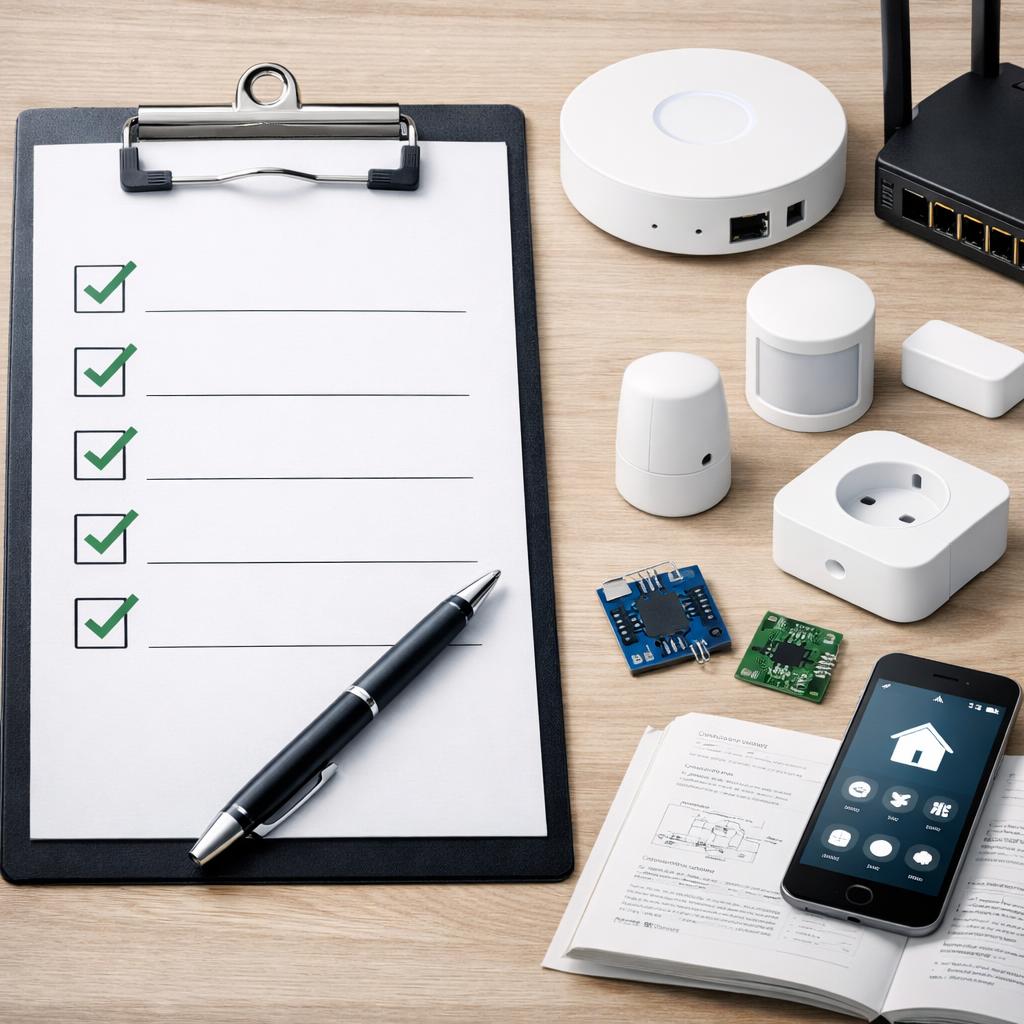
A good assessment starts with a fixed checklist. First look at the protocol used and then check whether a known link is available within openHAB. Then pay attention to the required hub, the current firmware, the possibility of local access and the quality of the documentation. This provides a much more reliable picture than just a product specification or packaging with clever marketing.
For a practical approach, you can also view the guide on connecting devices with open source home automation. If you want to know which devices work with openHAB, it is a good idea to compare per device category. Lighting is often relatively simple, while security products, climate control and audio are more often dependent on additional settings, proprietary applications or additional components.
Nuance is also needed with openHAB protocols and connections. The same brand may use different connection methods within one product line. Two devices that have almost the same name may still require a different hub, different firmware or a different regional version. Therefore, always check the exact model, region, supported features and how the device fits into your network.
A smart check consists of four questions. Does the device work locally or only through an external service? Are the functions you want to use actually available? Is the coupling stable enough for daily use? And how much extra configuration does the installation require? Answering those questions before purchase will give you a much more realistic picture of openHAB compatibility than just looking at a casual mention that a device is “supported” is.
Conclusion
Properly assessing openHAB compatibility requires more than a quick product scan. If you pay attention to protocol, link, firmware, hub and local configuration, you will make better choices and reduce the chance of disappointment. This also makes it clearer which extensions are logical within an existing smart home and where additional preparation is needed.
The safest approach is to check openHAB compatibility step by step before purchase and before installation. Don't just check whether a device can connect, but especially whether the desired functions are usable, stable and suitable for your situation. This way you build an environment that remains practical, is more scalable and becomes less dependent on surprises afterwards.
Frequently asked questions
How do I check if a device works with openHAB?
First check the protocol of the device, then whether a suitable connection is available and whether a separate hub is required. Also look at firmware, local access and documentation. This way you not only assess whether a device becomes visible, but also whether the most important functions can be used within your configuration.
Does openHAB work with different protocols at the same time?
Yes, that is possible, as long as the correct connections and any additional hardware are present. In practice, many users combine multiple protocols in one environment. The ultimate operation does depend on the quality of the links, the network structure, firmware and the way in which devices communicate locally or via an intermediate layer.
Why does a device sometimes only partially work with openHAB?
This often happens when only some of the functions are available via the available link. For example, a device can switch on and off, but not show energy measurements, scenes or extensive status messages. Differences in firmware, model version or hub use can play a major role.