Whether a product really works with Home Assistant depends on more than a logo on the packaging or a short mention in an online store. In practice, this involves a reliable connection, visible functions, correct status updates and automations that do what you expect. Anyone who wants to know how to check compatibility with Home Assistant should therefore not only look at sales pitches, but also at protocols, integrations, firmware and the way data is exchanged.

You can often quickly perform an initial check via documentation, user experiences and available explanations about integrations. This makes it easier to understand what compatible with Home Assistant means for your home and your use. Please note: operation may differ per model, protocol, firmware version and integration. Even within the same product line, one version can work fine, while another version has limited support or is not usable at all.
What exactly Home Assistant compatible means
When someone asks if something is compatible with Home Assistant, it could mean several things. Sometimes it only concerns simple controls, such as switching on and off. In other cases you also expect feedback from status, measurement data, scenes, notifications and stable automations. That is why it is smart to determine in advance which functions are really important to you. A device that appears in Home Assistant, but does not return a reliable status, quickly feels incomplete in daily use.
The connection method also counts a lot. A connection via an external service can work fine, but makes you dependent on the internet and the manufacturer. A local link is often faster, more stable and more predictable, although not every device supports that option. Anyone wondering what to pay attention to with Home Assistant integrations should therefore look at function level, stability and whether the product works locally or communicates via the internet. Compatible does not automatically mean fully supported or future-proof.
Difference between basic operation and full support
Basic operation usually means that Home Assistant can find a device and perform a small number of actions. Think of a lamp that you can switch, while color settings, brightness or energy consumption are missing. Full support goes further: multiple entities are created properly, statuses refresh quickly, and automations respond without noticeable delay. That difference is important if you want a smart home that runs reliably every day without manual adjustments.
It is also wise to pay attention to maintenance and changes over time. A link that works well today may react differently after a firmware update or change at the manufacturer. Therefore, check whether support is actively maintained and whether users report that features remain stable even after updates. This gives you a more realistic picture of whether a device works locally with Home Assistant and whether the practice matches the promise on paper.
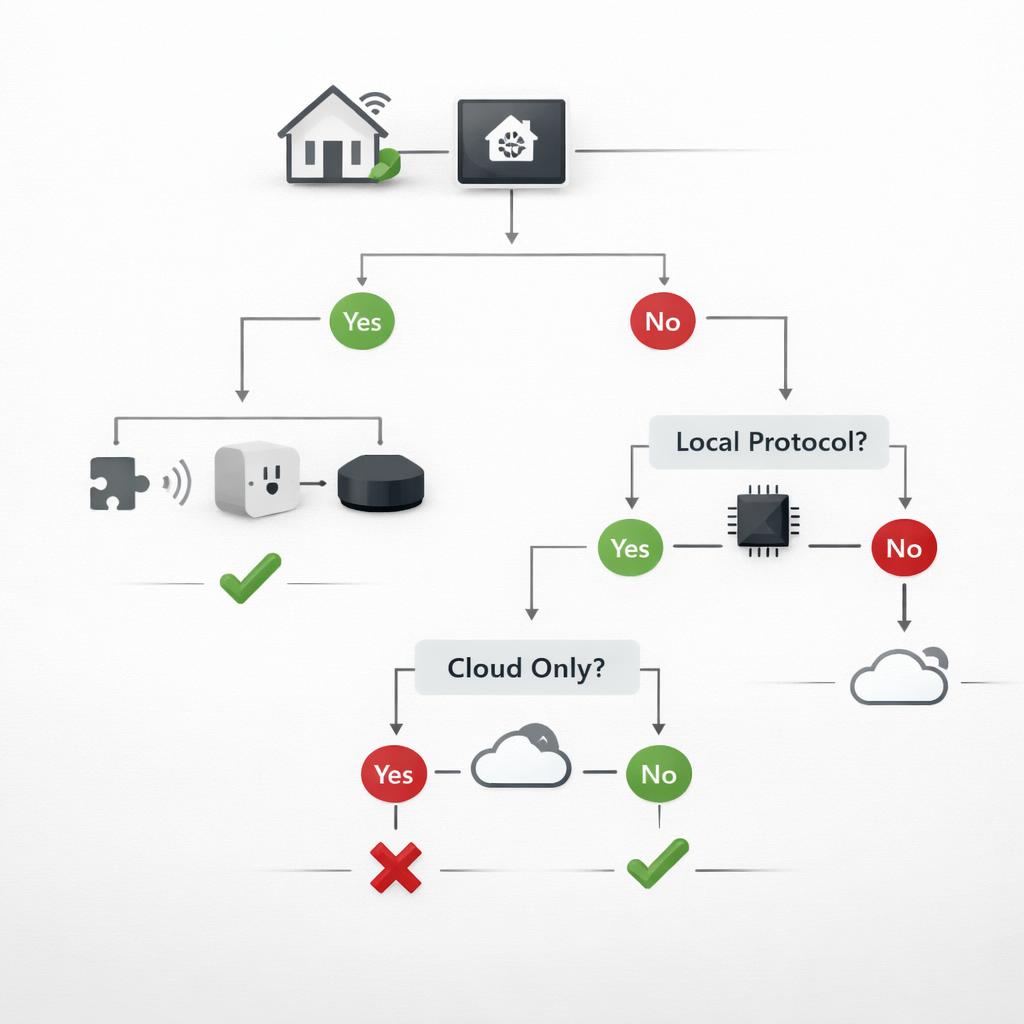
How to quickly check whether a connection is possible
The fastest check starts with three questions: which protocol does the device use, is there appropriate integration and which functions are actually supported? First check whether the product works via a well-known local network protocol, a common wireless standard or the manufacturer's own service. Then check whether Home Assistant has an integration for this and whether it also fits your exact model. A nearly identical product name is not always sufficient for true compatibility.
Then read experiences from people who have already added the same device. Their comments on installation, stability and limitations are often more valuable than a short product summary. Especially when in doubt, it is useful to check whether the connection works locally, because this affects speed, availability and privacy. For those who want to investigate this further, more about local management is a logical next step. This makes how to check compatibility with Home Assistant a practical check instead of a guess.
Note protocols, integrations and local operation
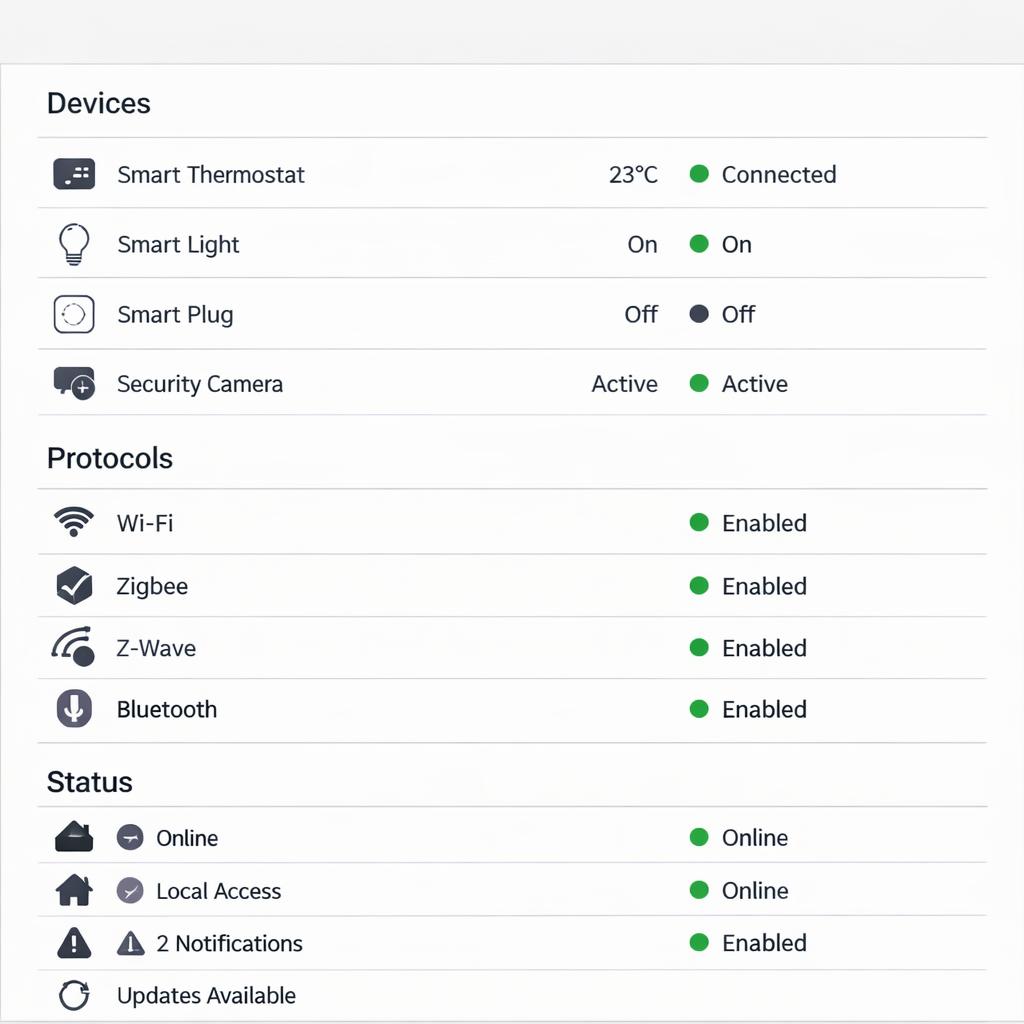
Protocols determine how devices talk to Home Assistant. If a protocol is known and well supported, the chance of a usable link is usually greater. Yet such a technical label does not say everything. A manufacturer can limit functions, deviate from the standard or make certain data only available through its own service. Therefore, do not just look at the name of the protocol, but especially at what the integration can actually read and operate.
Local operation is often a great advantage, but close inspection is also important. Sometimes only basic operations work locally and extensive data still runs via the internet. In other cases, everything is done locally, which usually ensures faster responses and less dependence on disruptions outside the home. Anyone who wants to know what to pay attention to with Home Assistant integrations must therefore assess protocol, quality of integration and the real level of local support together.
Conclusion
Is it compatible with Home Assistant is ultimately not a simple question with only a yes or no answer. True compatibility depends on the exact model, protocol used, firmware and quality of available integration. That is why it is wise to always look beyond a general claim from a manufacturer or store. Check which features you need, whether the link works locally or via the Internet, and whether other users have successfully linked the same version.
If you check step by step how to check compatibility with Home Assistant, you will avoid disappointment and make a better choice. Note the difference between basic operation and full support, test key features yourself, and consider variations by region and product version. This way you get a much more reliable answer to the question of whether something is really compatible with Home Assistant in your own situation.
Frequently asked questions
How do I know if a device is really compatible with Home Assistant?
Look at the exact model, the available integration, the protocol used and experiences of users with the same version. Then check for yourself whether the functions you need actually work, such as status, operation and automation.
Is an official integration necessary for proper functioning?
No, but an official integration often makes installation and maintenance easier. An unofficial link can also work well, as long as support is stable, documentation remains clear, and the link is actively maintained.
Does local operation always mean better compatibility?
Not always, but local operation is often faster and less dependent on external services. However, a local connection may remain limited if not all functions are made available within Home Assistant.
Why does the same brand sometimes work well and sometimes not?
Because compatibility may vary by model, protocol, firmware and region. Within one brand, devices can technically differ greatly from each other, meaning that one version works well together and another only partially or not at all.